How to Make Your CV with ChatGPT, and When a CV Agent Does It Better
ChatGPT can write good CV lines if you feed it the right facts. Here is the step by step method, the prompts, the traps, and when a CV agent is the faster route.

Alexander Phillip
Career Coach and Recruitment Expert
Short answer: yes, you can make a good CV with ChatGPT. It is very good at turning rough notes into clear sentences. It is not good at knowing your facts, and it does not design or check the final document for you. Give it your real details, check every line, and put the result into a clean template.
This guide walks through the method that works, the prompts to copy, and the point where a dedicated CV agent does the same job with less effort.
What ChatGPT does well for a CV
- Rewording. "I was in charge of the shop" becomes a clear duty line in seconds.
- Structure. It knows the usual CV sections and their order.
- Tailoring. Paste a job advert and it can point out which of your skills match.
- Grammar. It fixes spelling and tense, which recruiters notice.
Where ChatGPT goes wrong
- It fills gaps with guesses. Ask for "a CV for an accountant" and you may get achievements, percentages or software you never used. A recruiter can ask about any line in an interview.
- It forgets. In a long chat, details from the start can drift or get dropped.
- It gives you text, not a finished CV. You still have to lay it out, pick a design that applicant tracking systems can read, and make a PDF.
- It does not ask enough questions. Unless you tell it to, it writes first and asks later.
Step by step: making your CV with ChatGPT
Step 1: Write your facts down first
Before you open ChatGPT, list your jobs (title, employer, town, start and end month), your education, your skills and the languages you speak. This list is your source of truth. Everything the AI writes must match it.
Step 2: Tell it the rules
Start the chat with a prompt like this:
You are helping me write my CV. Only use facts I give you. Do not add numbers, results, tools or achievements I did not mention. If something is missing, ask me instead of guessing. Write in simple, professional English.
Step 3: One job at a time
Here is my current job: Shop Assistant at a pharmacy in Lagos, March 2022 to now. I serve customers, answer questions about products, count new stock and keep the shelves tidy. Write four short duty lines for my CV, starting with a verb.
Read each line. Delete anything you did not do. Repeat for every job.
Step 4: Write the summary last
Once your jobs are done, ask for a three-sentence summary based only on what is already in the chat. A summary written first tends to promise things the rest of the CV cannot back up.
Step 5: Aim it at the job
Here is the job advert. Which of my skills and duties match it? Suggest how to reorder my duty lines so the most relevant come first. Do not add skills I do not have.
Step 6: Put it into a real CV
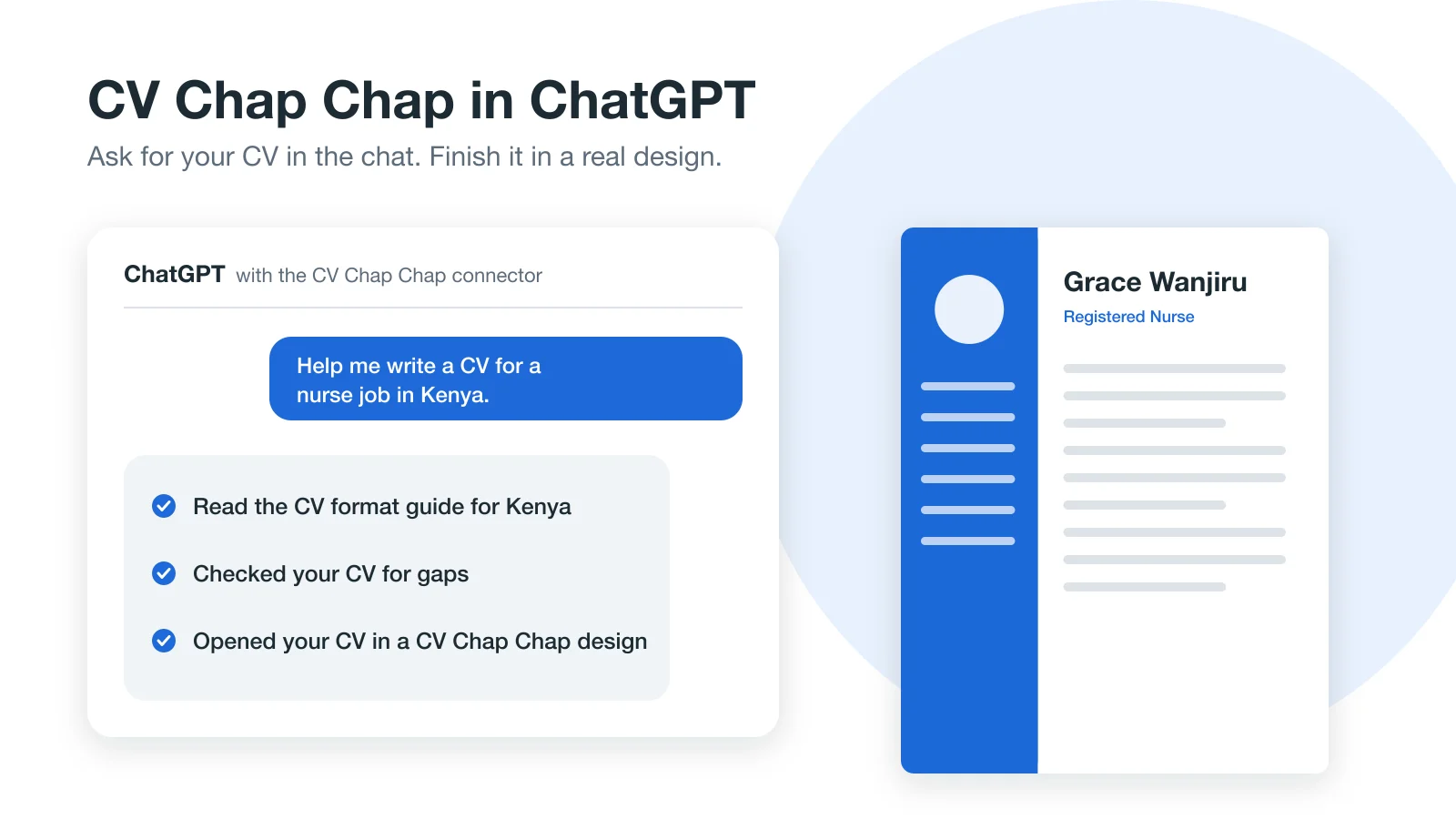
Copy the text into a clean, one-column template, save it as a PDF and open the PDF to check nothing moved. Our guide to the best CV format explains what recruiters and screening software expect.
Prompts worth saving
- Turn notes into duties: "Turn these notes into CV duty lines. Keep my meaning, do not add results."
- Fresh graduate: "I have no work experience. Help me turn my course projects, attachment and volunteering into CV sections." See also how to write a CV with no experience.
- Check for invented facts: "List every number, tool or achievement in this CV that I did not give you."
- Shorten: "Cut this summary to three sentences without losing facts."
When a CV agent does it better
Everything above works, but you are doing the project management: keeping the facts, steering the chat, checking for guesses, and building the document at the end. A CV agent is built to do those parts for you.
Our AI CV Agent works through your CV one section at a time, in a fixed order, and asks for what is missing. It suggests duties for your job title that you tap to keep, saves only the skills you actually said, and your CV takes shape beside the chat as you answer. At the end you pick one of 70 designs and download a ready PDF. You can also start from your old CV, a photo of a paper CV, or a job advert you paste in.
Prefer a chat that builds the whole CV with you? Try the AI CV Agent.
Before you send any AI-written CV
- Read every line out loud. If you could not explain it in an interview, remove it.
- Check dates, job titles and employer names against your list.
- Run it through a free ATS CV checker to see what screening software reads.
- Write a matching cover letter. Ours is free to create.
For a broader look at what AI writing gets right and wrong, read Can AI write my CV? and our side by side comparison of AI tools for CV writing.
Frequently Asked Questions
Can ChatGPT make a CV for free?
ChatGPT can write the text of a CV on its free plan. You still need to put that text into a template and save it as a PDF yourself.
Will employers know my CV was written with ChatGPT?
Recruiters notice generic, over-polished lines and claims you cannot explain. If every line is true and in your own plain words, how it was drafted matters far less.
What is the best ChatGPT prompt for a CV?
Start by telling it to use only the facts you give and to ask instead of guessing. Then give it one job at a time with your real duties, and ask for short duty lines that start with a verb.
What is the difference between ChatGPT and a CV agent?
ChatGPT is a general assistant that writes text when asked. A CV agent is built for one job: it asks for each part of your CV in order, keeps your facts, and produces the finished, designed CV file.
Ready to Create Your Professional CV?
Put these tips into practice. Build a stunning, ATS-friendly CV in under 3 minutes with CV Chap Chap.
Create Your CV Now