Can Claude Build My CV? How to Use CV Chap Chap in Claude
Claude writes well, but it cannot design, check or format a CV on its own. The CV Chap Chap connector gives it those tools. Here is what it does and how to add it.

Alexander Phillip
Career Coach and Recruitment Expert
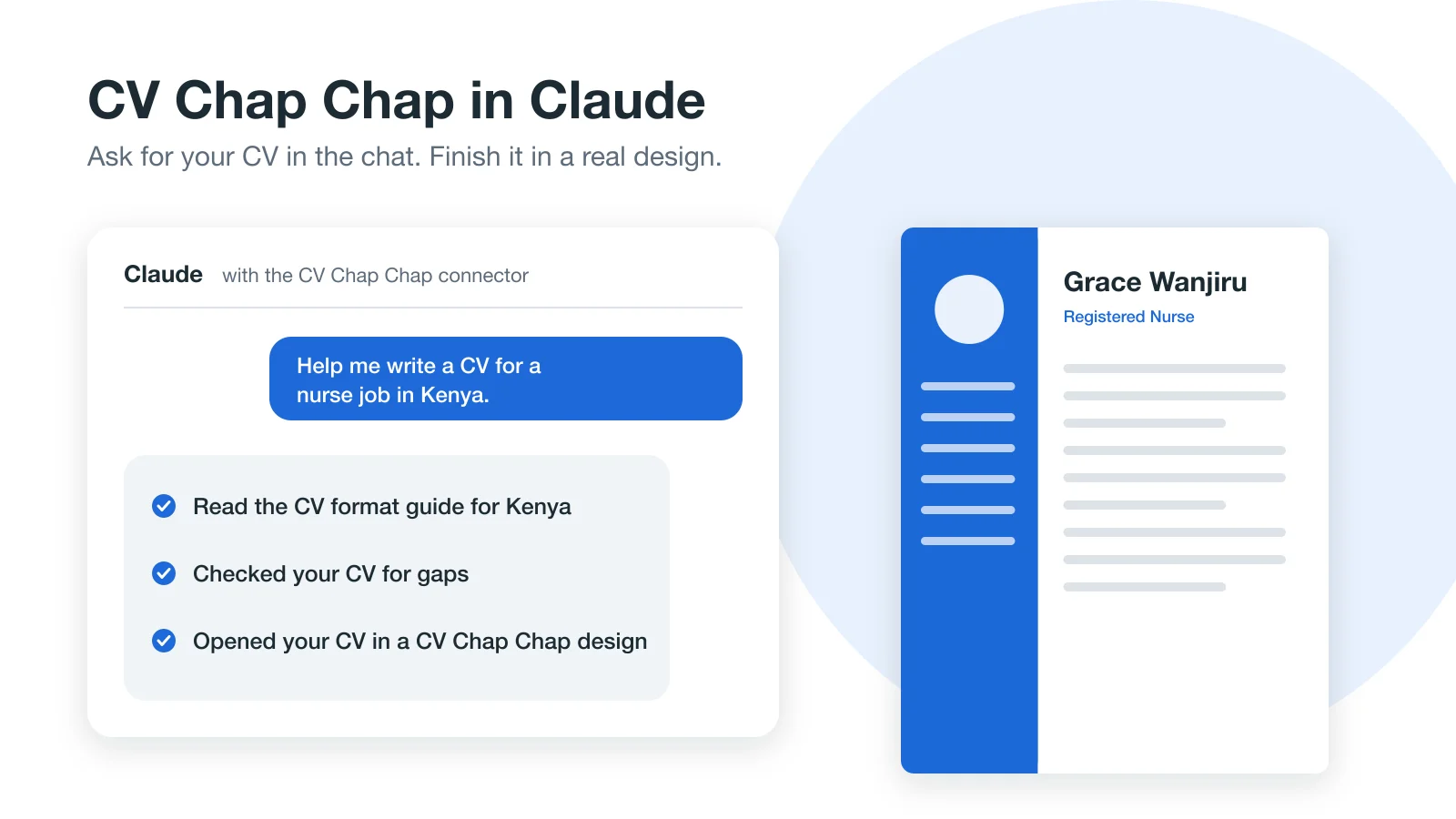
Short answer: yes. Claude can write your CV with you in a normal chat, and with the CV Chap Chap connector added it can also check the CV against real rules, follow how CVs are written in your country, suggest a design and open the finished CV in a CV Chap Chap template. The connector is free and needs no account. You add it once with this address: https://www.cvchapchap.com/mcp.
What is the CV Chap Chap connector for Claude?
A connector is a set of tools Claude can use during a conversation. Ours comes from CV Chap Chap, a CV builder made in Africa. Claude still does the talking and the writing; when it needs to check something or turn your text into a finished CV, it calls our tools and uses the answer.

Why not just copy Claude's text into Word?
Because the hard part of a CV is not only the wording. On its own, Claude cannot see a design, cannot tell whether your CV follows what employers in Kenya or Ghana expect, and leaves you to fix the layout yourself. With the connector:
- The checks are real rules, not a guess: the same ones our builder uses, so a missing date or a job with no duties is flagged.
- Your country's conventions are built in, such as whether to add a photo, how long the CV should be and how people apply there.
- The result is a designed CV, not a block of text: it opens in one of our templates, ready to preview and edit.
What can Claude do with CV Chap Chap?
- Check a CV. The same rules our builder uses: contact details, a summary, duties and dates for every job, education and skills, with a fix for each gap.
- CV format guide for a country. How CVs are written for employers in an African country: length, photo, personal details, referees, file format, how people apply and the main job sites.
- Find CV templates. Our designs by style, with or without a photo, each with a preview image.
- Search current jobs in Tanzania. Open vacancies from our jobs board, newest first, with a link to each advert.
- Open the CV in CV Chap Chap. Saves the CV you wrote together as a private draft and gives you a link that opens it in a design, free to preview and edit. The link works for 30 days.
How do I add CV Chap Chap to Claude?
- Open CV Chap Chap in Claude's connector directory and add it. No sign-in is needed.
- Start a new chat and ask for help with your CV.
You can also add it as a custom connector: in Claude, open Settings, then Connectors, and paste https://www.cvchapchap.com/mcp. The connector page keeps the latest steps.
What should I ask Claude?
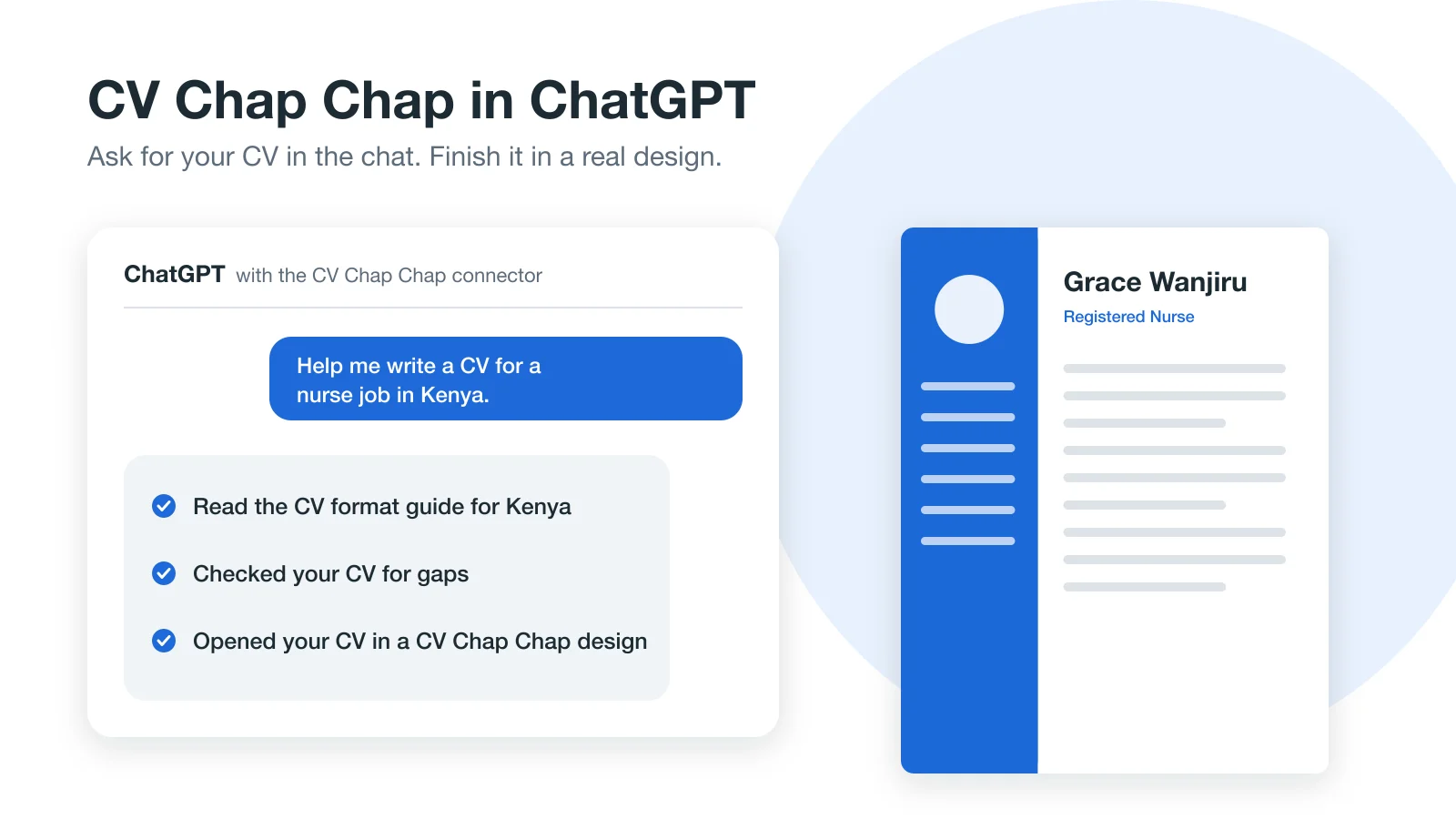
- "Help me write a CV for a nurse job in Kenya."
- "Check this CV and tell me what to fix:" then paste your CV.
- "How should a CV look for a job in Uganda?"
- "Show me professional CV designs with a photo."
- "Find accountant jobs in Tanzania."
- "Open my CV in CV Chap Chap."
Will Claude make things up on my CV?
Our tools tell Claude to use only the facts you give it, and the CV check points out gaps instead of filling them. A recruiter can ask about any line in an interview, so read every line before you send your CV. If you want to see what good AI help looks like, read can AI write my CV?
What happens to my information?
Checks, country guides, template and job searches are answered and not stored. When you ask Claude to open your CV in CV Chap Chap, the CV details it sends are saved as a private draft with no account attached, behind a link that works for 30 days. Anyone with the link can open the draft, so keep it to yourself. We never receive your conversation history or your Claude account. The full details are in the connector section of our privacy policy.
Can I finish my CV without Claude?
Yes. The link opens your CV on cvchapchap.com, where you can keep editing in the builder, change the design and colour, and preview it. You can also build a CV by chatting with our own AI CV Agent, or step by step with the templates.
Frequently Asked Questions
Can Claude build a CV?
Yes. Claude can write a CV with you in a chat. With the CV Chap Chap connector it can also check the CV, follow your country's CV conventions and open it in a professional design.
How do I add CV Chap Chap to Claude?
Open CV Chap Chap in Claude's connector directory (https://claude.ai/directory/connectors/cv-chap-chap) and add it, or add a custom connector in Settings, then Connectors, with https://www.cvchapchap.com/mcp. No account or sign-in is needed.
Is the CV Chap Chap connector free?
Yes. Every tool is free to use from Claude. Building, editing and previewing your CV on cvchapchap.com are free too; you pay only if you download the finished CV as a PDF.
Does CV Chap Chap see my Claude conversations?
No. Claude sends only the input a tool needs, such as the CV to check or a country. We never receive your conversation history or your Claude account.
Which countries does the CV format guide cover?
Fifteen African countries, including Kenya, Uganda, Rwanda, Zambia, Ghana, Egypt, Namibia and Morocco. The job search covers the CV Chap Chap jobs board in Tanzania.
Ready to Create Your Professional CV?
Put these tips into practice. Build a stunning, ATS-friendly CV in under 3 minutes with CV Chap Chap.
Create Your CV Now