Best CV Maker Apps in 2027: Android, iPhone and Free Options Compared
Which CV maker app should you use in 2027? The big Google Play apps, the web builders with apps, and how to pick one that will not trap you at the download.

Alexander Phillip
Career Coach and Recruitment Expert
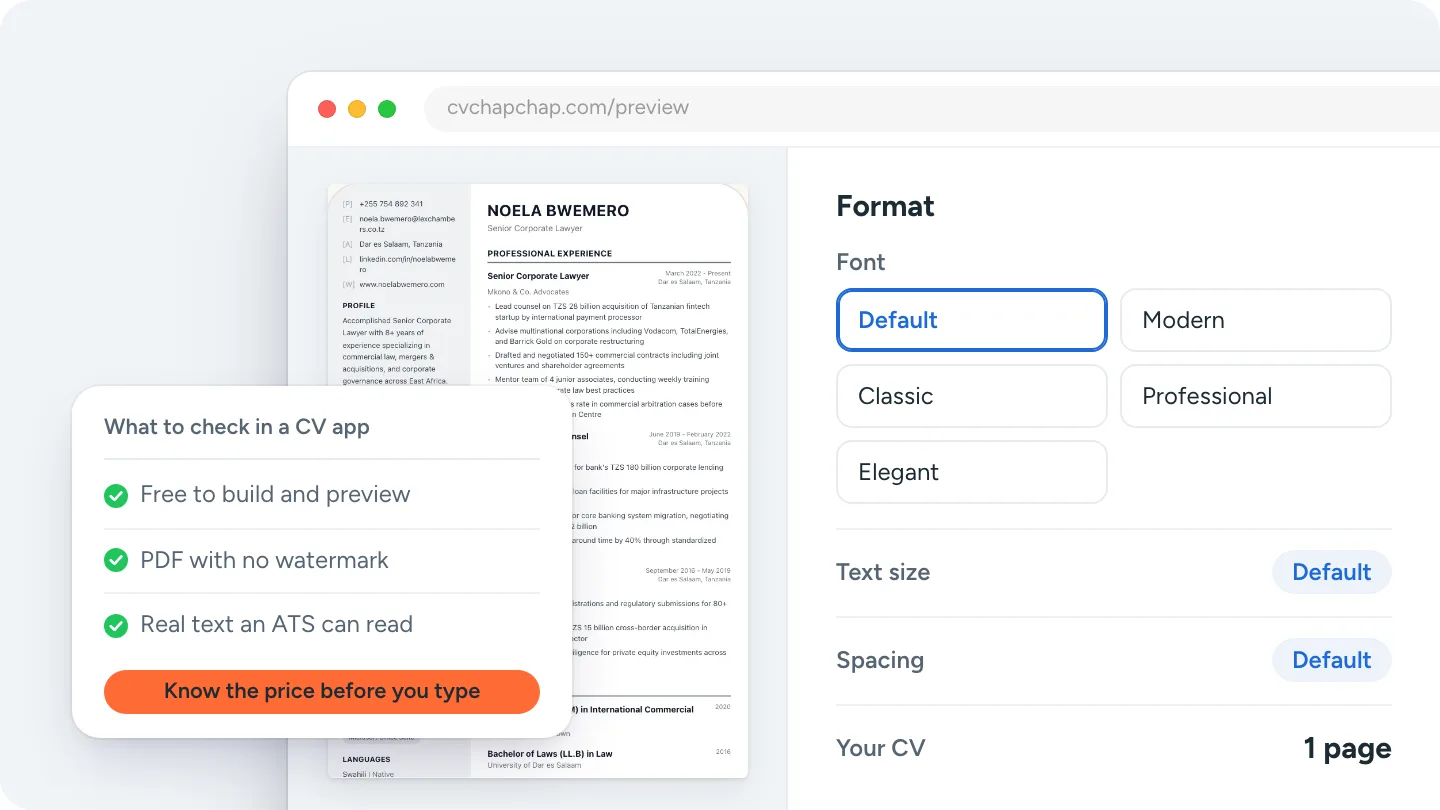
Short answer: the best CV maker app is one that lets you build and preview your whole CV before you pay, gives you a clean PDF with no watermark, and uses a layout that applicant tracking systems (ATS) can read. On Google Play the most installed are Resume - Intelligent CV Maker and Resume Builder - CV Maker App; Kickresume and MyPerfectResume have apps tied to their web builders; and CV Chap Chap runs in any phone browser with an AI CV Agent that writes the CV with you.
This guide to the best CV maker apps for 2027 compares the main options and gives you a checklist, so you can pick one before you spend an hour typing.
How we compared the CV maker apps
We looked at what matters to someone making a CV on a phone: how you enter your details, whether you can see the finished CV before paying, what you get at the end, and whether the app helps with the words. Install counts and ratings are from Google Play (US store) as checked on 2 November 2026; they change, so check the listing. We do not list prices: apps change them often and many vary by country, so read the price on the listing before you start.
The best CV maker apps for 2027
| App | Where | Google Play installs and rating | Best for |
|---|---|---|---|
| Resume - Intelligent CV Maker | Android | 50M+, 4.5 | The most installed, many templates |
| Resume Builder - CV Maker App (Mobotechnology) | Android | 10M+, 4.6 | Simple forms, quick layouts |
| Resume Builder - CV Engineer | Android | 5M+, 4.6 | A frequently updated alternative |
| Kickresume | Android, iPhone, web | 100K+, 4.4 | Designs that sync with a web account |
| MyPerfectResume | Android, iPhone, web | 100K+, 4.1 | Pre-written phrases for US-style resumes |
| CV Chap Chap | Any phone browser, home screen; Android app coming | Not on Google Play | An AI agent that asks and writes, 70 designs, CVs for every country |
Resume - Intelligent CV Maker
The most installed CV app on Google Play. It is a form-filling app with many templates. Check which templates and downloads are free before you start.
Resume Builder - CV Maker App
A popular, highly rated form builder that gets you to a laid-out CV quickly. Good if you already know what to write and just need a layout.
Kickresume
A web builder with mobile apps, so you can start on your phone and finish on a computer. Strong on design. Compare it in our Kickresume review.
MyPerfectResume
Part of the same group as Zety and LiveCareer, with pre-written phrases for many jobs. Read how its plans work in our MyPerfectResume review before you sign up.
CV Chap Chap
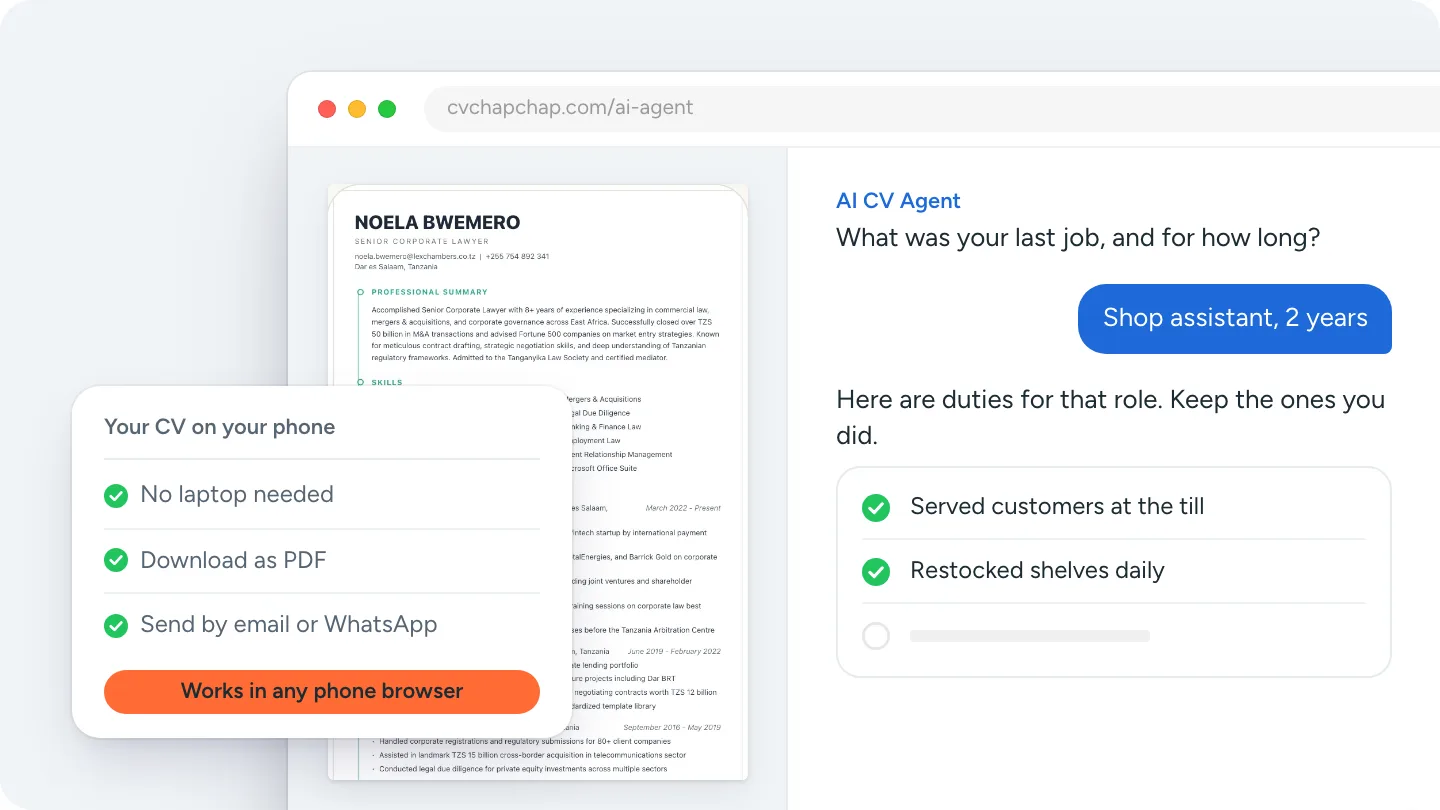
Our own builder, so judge it by the same checklist. It runs in any phone browser and can be added to the home screen on Android and iPhone; a downloadable Android app is listed on the CV maker app page as it becomes available. You can build step by step, or let the AI CV Agent ask you questions and write the CV with you without inventing facts. Building and previewing are free; you pay once only to download, with no subscription, and you get a PDF and a Word file. It is not on Google Play, so pick one of the Play apps above if you want an app installed from the store.
What to check before you choose a CV app
- Can you see the whole CV before paying? Some apps let you type everything and only show the price at the download.
- Is it a one-time payment or a subscription? Read the renewal terms; a low first price can turn into a monthly charge.
- Is the PDF clean? No watermark, real text (not an image), standard headings an ATS can read.
- Does it help with the words? Suggested duties or an AI helper save the most time on a phone keyboard.
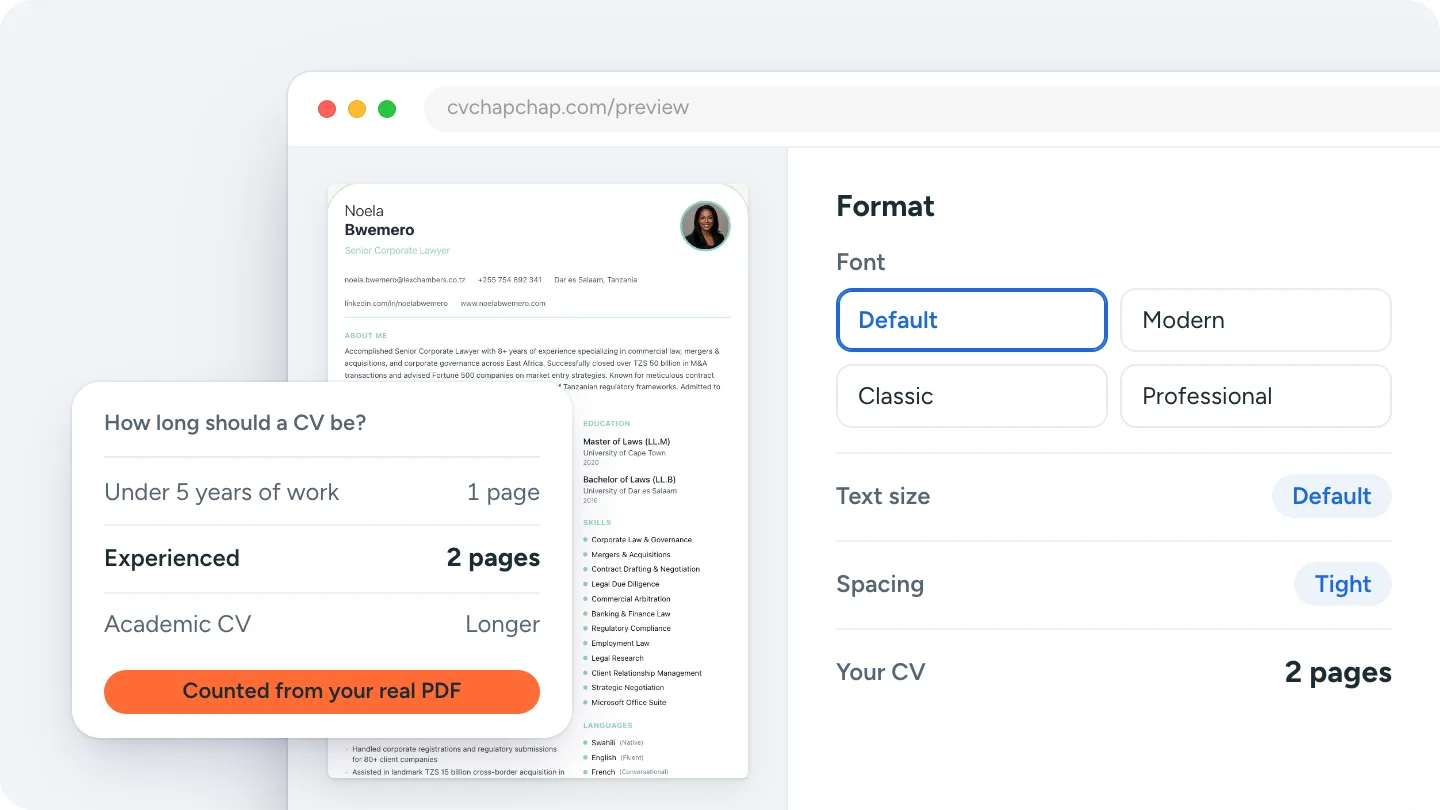
- Does it fit your country? Photo, length and personal details differ by country; see how long a CV should be.
Want to see your finished CV before you pay anything? Build your CV with the AI CV Agent.
Which is the best free CV maker app?
Very few CV apps are free from start to download. Most are free to try and charge for the download, premium templates or a subscription. A free option that is truly free is a template in Google Docs or Word, but you do the layout yourself. If your budget is zero, build and preview in any app, check the result, and only pay where you have seen the finished CV.
Do you need an app at all?
No. A good web builder works in your phone browser with no download, no storage used and the same CV on any device. Our guide on how to make a CV on your phone shows the whole route, from the first tap to sending the PDF.
The best CV maker app for 2027 is the one that shows you the finished CV first, charges you fairly once you have seen it, and gives you a clean PDF that screening software can read.
Frequently Asked Questions
What is the best CV maker app?
The one that lets you build and preview your whole CV before paying, gives you a clean PDF with no watermark and uses an ATS-readable layout. On Google Play the most installed are Resume - Intelligent CV Maker and Resume Builder - CV Maker App; CV Chap Chap works in any phone browser with an AI CV Agent.
Which app is best for making a CV on Android?
The big Google Play options are Resume - Intelligent CV Maker, Resume Builder - CV Maker App and CV Engineer. You can also build in Chrome with a web builder such as CV Chap Chap and add it to your home screen.
What is the best CV maker app for iPhone?
Kickresume and MyPerfectResume have iPhone apps. CV Chap Chap works in Safari and can be added to the home screen from the Share button.
Is there a completely free CV maker app?
Very few are free from start to download; most charge for the download, premium templates or a subscription. Check the listing, and use a builder that shows the finished CV before you pay.
Do I need an app to make a CV on my phone?
No. A web CV builder works in your phone browser with nothing to install, and gives you the same PDF to download and send.
Ready to Create Your Professional CV?
Put these tips into practice. Build a stunning, ATS-friendly CV in under 3 minutes with CV Chap Chap.
Create Your CV Now