LinkedIn resume builder: from profile to CV in minutes
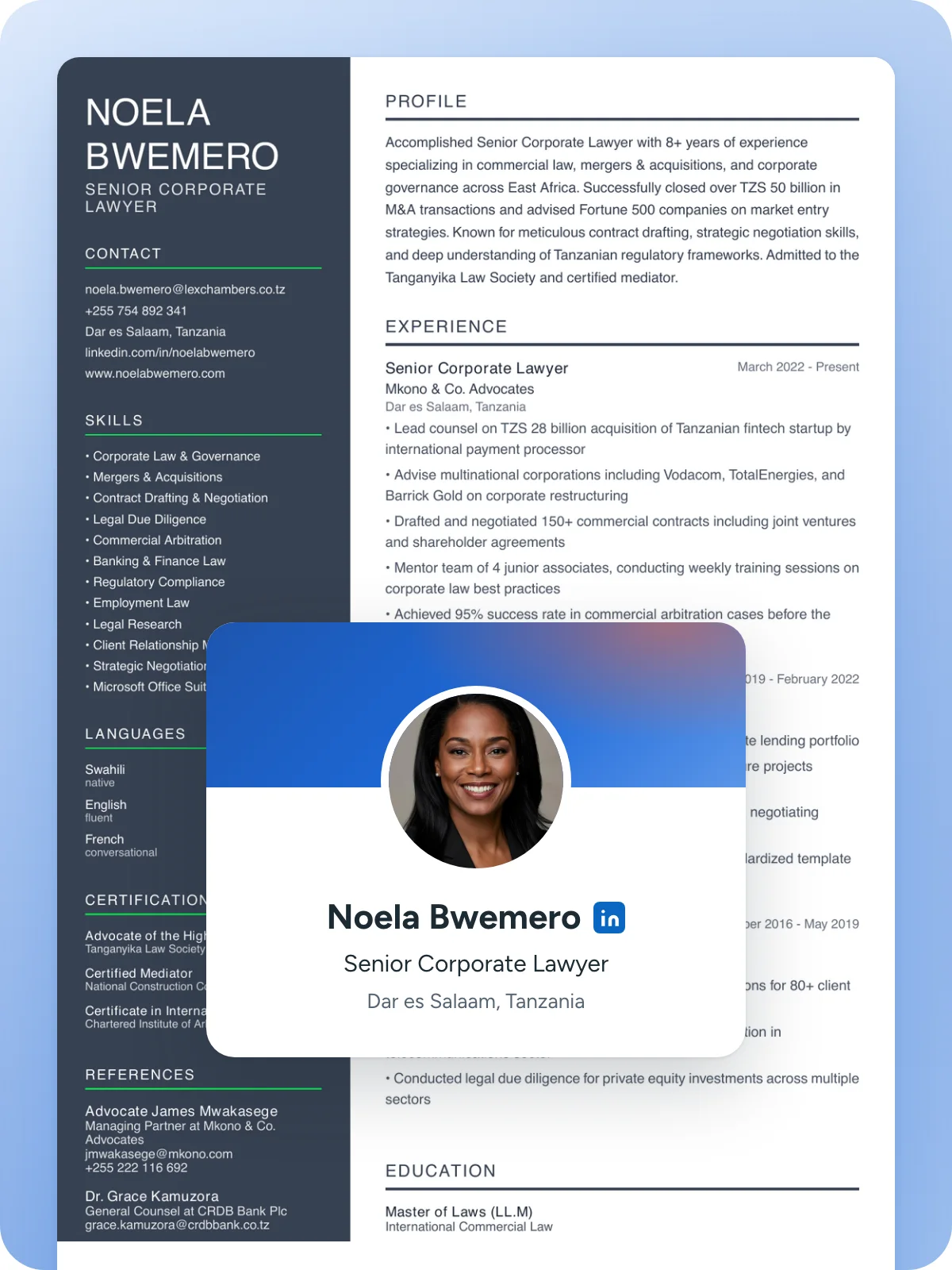
This LinkedIn resume builder turns your public profile into a finished CV. Paste your link and we bring in your jobs, education, skills, languages and certifications, in a clean CV design you can edit, check and download. Free to import and preview.
No password needed. Public profiles only. We do not store your profile.
LinkedIn resume templates for every job
Your LinkedIn profile drops into any of 70 CV designs, plain or colourful, with or without a photo. Every one uses real text and standard headings that hiring software can read. Switch designs any time without retyping a word.
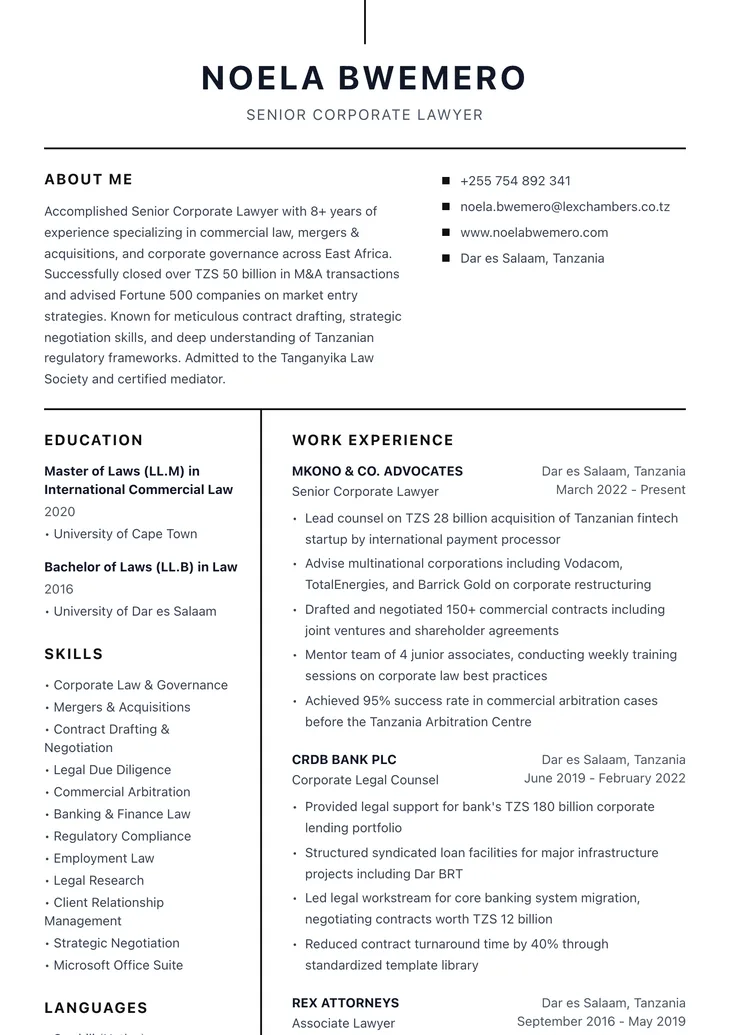
Simba
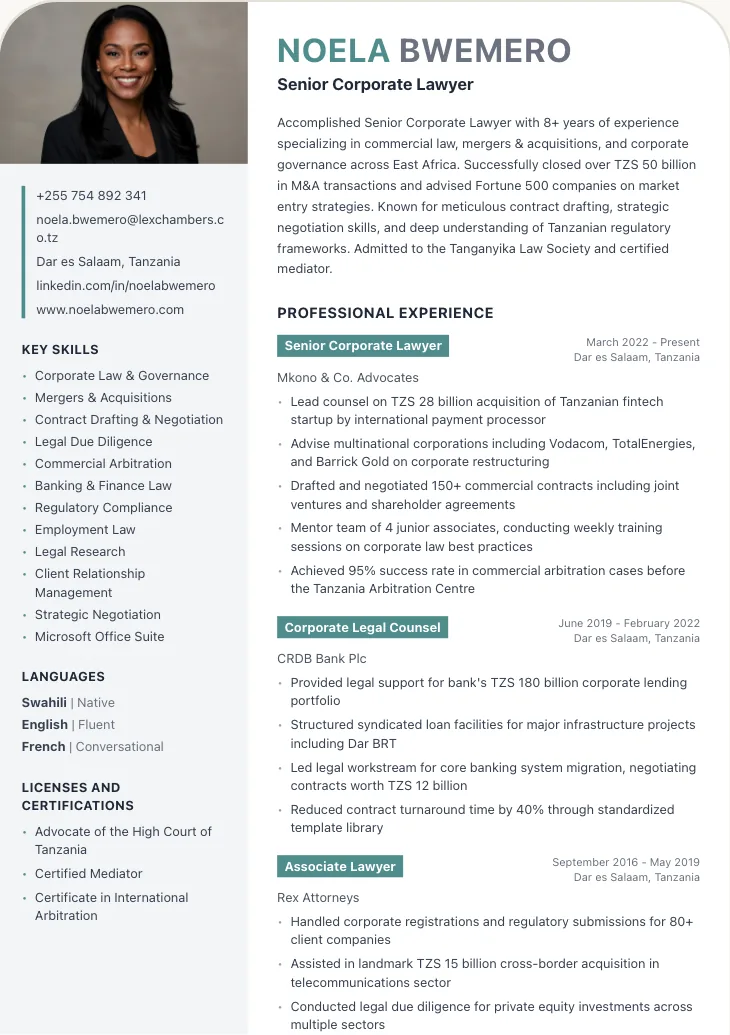
Chui
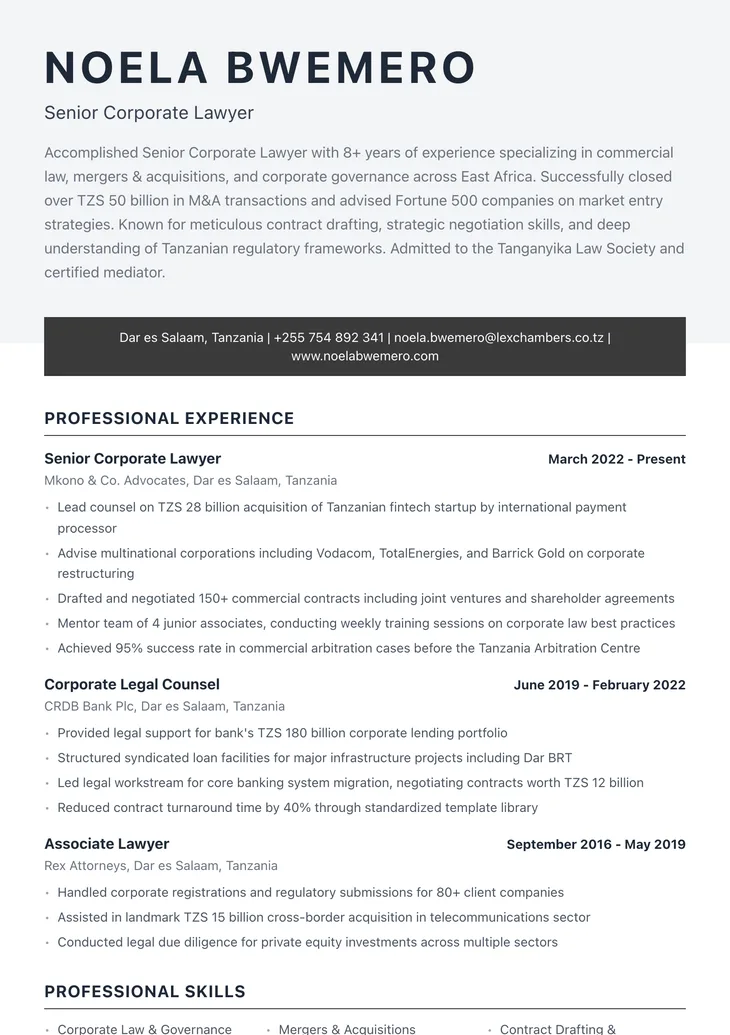
Tembo
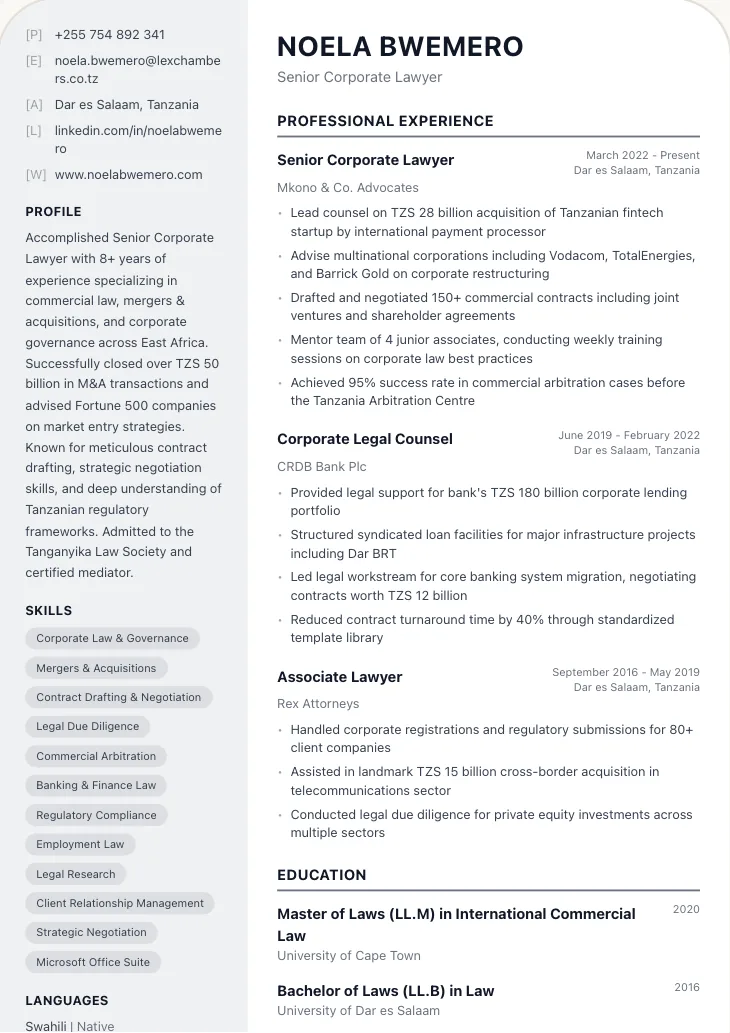
Tausi
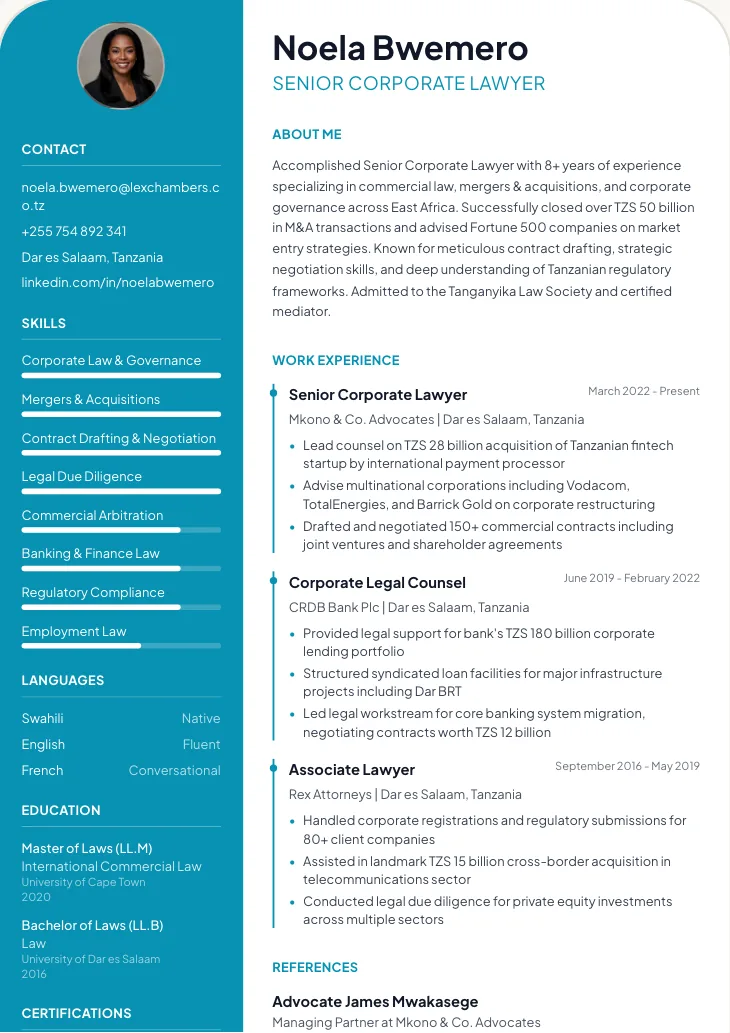
Pomboo
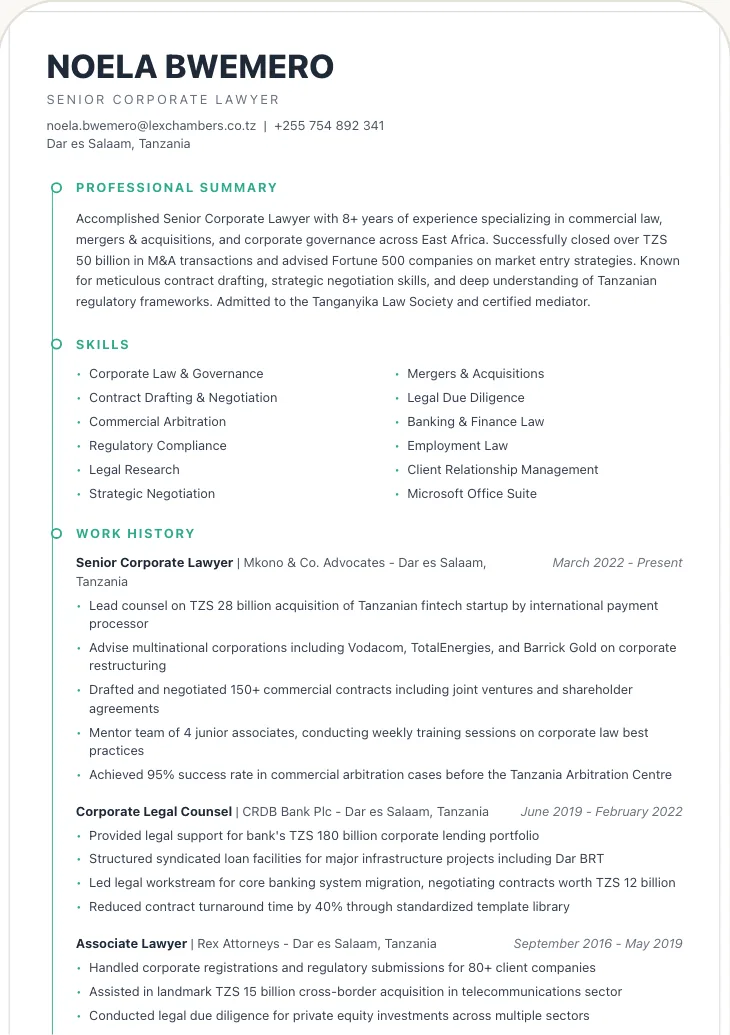
Nyati
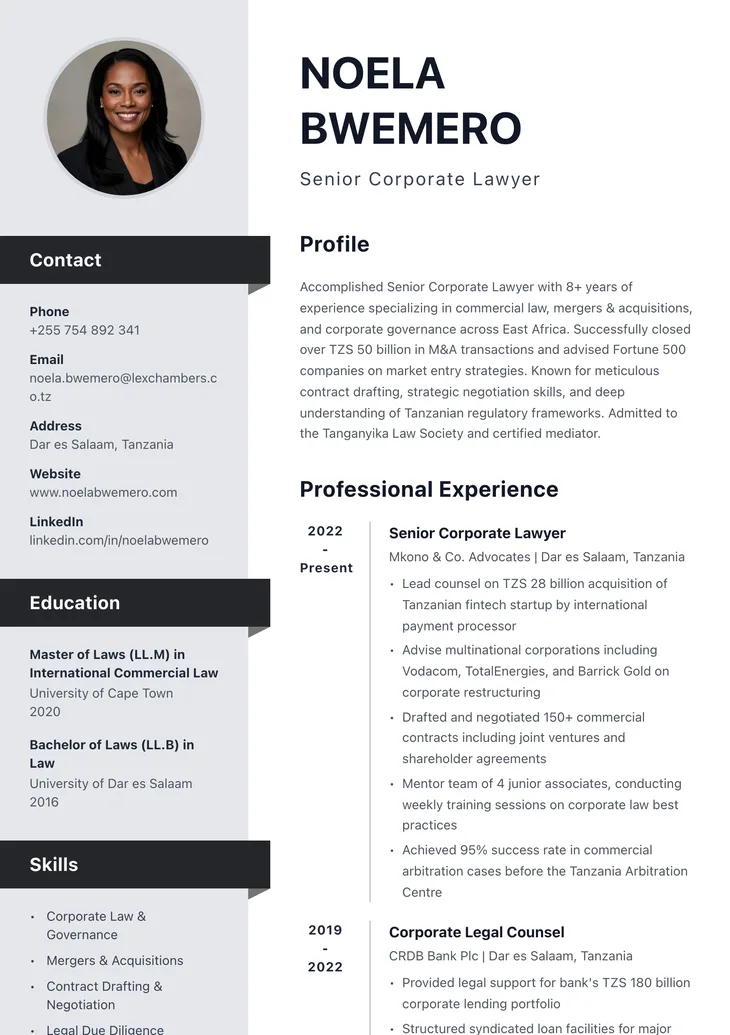
Duma
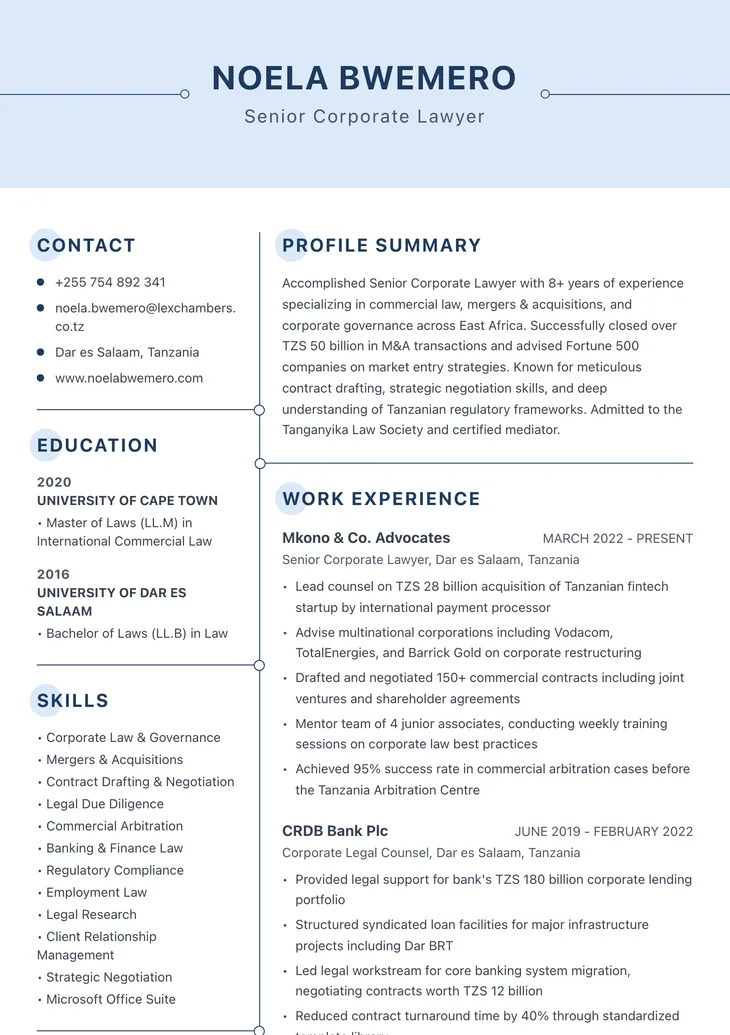
Kiboko
How we turn your LinkedIn profile into a CV
We read your public profile once and put each part where a CV expects it, with every job, date and duty in the right place. Nothing is invented: what is not on your profile is left for you to add.
Not brought across
- Your photo: add one in the builder if your country expects it
- Phone and email, which public profiles hide: add them in one step
- Endorsements, recommendations, posts and connections
Name, location and profile link
The top of your CV, with your LinkedIn link added
Headline
Your CV title, without the company name
About
Your professional summary
Experience
Work experience: job title, employer, dates and duties
Education
Education: degree, school and year
Skills
Skills
Languages
Languages, with your level
Licenses & certifications
Certifications
What LinkedIn's PDF export leaves out
LinkedIn lets you save your profile as a PDF, but you get a printout of your profile, not a CV. Here is what a LinkedIn resume builder adds.
A profile printout, not a CV
LinkedIn's Save to PDF uses its own fixed profile layout.
A real CV in any of 70 designs, with or without a photo, in PDF and Word.
No check for hiring software
Nothing tells you how an applicant tracking system (ATS) will read it.
A free ATS check scores your CV and lists every issue to fix.
Written for everyone, not one job
Your profile describes your whole career for anyone who visits.
Paste a job advert into the AI CV Agent and it aims your summary and skills at that job.
Edit everything LinkedIn brought in
Importing is the start. Everything you need to finish and send the CV is in the same place.
Edit every line
Every section LinkedIn brought in is yours to change, add to or remove, on your phone or computer.
Browse 70 designsImprove it with AI
On the preview, describe a change (“shorten my summary”, “make my duties clearer”) and AI rewrites it. You check every change before you keep it.
Aim it at a job
Paste a job advert into the AI CV Agent. It shapes your summary and skills for that job and never adds skills you did not mention.
Open the AI CV AgentCheck it before you send
The free ATS checker scores your CV out of 100 and shows what hiring software would trip on.
Check a CV freeAdd a cover letter
Write a matching cover letter from the job advert. Cover letters are free.
Write a cover letter
How to download your LinkedIn profile as a PDF
Private profile, or prefer a file? Save your profile as a PDF and upload it. We read it the same way.
Upload my LinkedIn PDFGoing the other way? See how to upload your CV to LinkedIn and how to add LinkedIn to your CV.
- On a computer, open your LinkedIn profile. On a phone, open linkedin.com in your browser and switch to the desktop site (LinkedIn's app has no PDF option).
- Under your name, tap Resources (or More), then Save to PDF.
- Upload that PDF here. We read it and rebuild it as your CV.
LinkedIn to CV, answered
Something else? Message us on WhatsApp.
A LinkedIn resume builder turns your LinkedIn profile into a CV. Instead of typing everything again, you paste your profile link and it brings in your work history, education, skills and other sections, then gives you a CV you can edit and download.
Paste your public profile link (linkedin.com/in/your-name) into the box at the top of this page and press Convert to CV. Your CV opens in a clean design with every section filled. Check it, add your phone and email, choose a design, then download it as PDF and Word.
Not any more. LinkedIn's built-in resume builder is no longer available. LinkedIn can still save your profile as a PDF, but that is a printout of your profile in LinkedIn's layout, not a CV.
On a computer, open your profile, select Resources (or More) under your name, then Save to PDF. On a phone, open linkedin.com in your browser and switch to the desktop site first: the LinkedIn app has no PDF option. You can upload that PDF here and we rebuild it as a CV.
Upload your LinkedIn PDFPartly. Its text can be read, but it is laid out as a profile, with sections and wording written for LinkedIn rather than for one job, and nothing checks how a tracking system reads it. A CV built from the same facts, in standard sections, reads more reliably. Test any file with the free ATS checker.
Check your CV freeNo. LinkedIn has one fixed profile layout and no CV templates. Once your profile is imported here you can switch between 70 CV designs in one tap and keep every word.
Usually not on its own. Many employers ask for a LinkedIn link as well as a CV, but few accept it instead of one. A CV is shorter, aimed at one job and easy for hiring software to read, so send a CV and keep LinkedIn for recruiters who look you up.
Employers decide on your CV and use LinkedIn to check it. Most applications ask for a CV or resume; recruiters then visit your profile to confirm your history and see how you present yourself. Keep both, with the same jobs and dates.
Yes, if your profile is up to date and matches your CV. Put the short link (linkedin.com/in/your-name) with your contact details. When you import your profile here, the link is added to your CV for you.
Yes, every line. Change the wording, reorder jobs, add missing sections, improve text with AI on the preview, or aim the whole CV at a job advert with the AI CV Agent. Your LinkedIn profile itself is never changed.
Importing your profile, editing your CV, previewing it in any design and the ATS check are free. You pay only when you download the finished CV, one small payment shown at checkout. There is no subscription.
No. We never ask you to sign in to LinkedIn. We read only what your public profile shows to anyone, from the link you paste.
Then the link cannot be read. Make your profile public in LinkedIn's settings (Edit your public profile), or save your profile as a PDF and upload that file instead.
No. We read your profile once to fill your CV and do not store it. Only the CV you build is kept, like any CV made on CV Chap Chap. Please import only your own profile.
Your LinkedIn profile is already half a CV
Paste the link and finish the other half in a few minutes.
No LinkedIn profile? Build your CV with the AI CV Agent or upload an old CV.
LinkedIn is a trademark of LinkedIn Corporation. CV Chap Chap is not affiliated with LinkedIn.