How to Write a CV: A Step-by-Step Guide With Examples
How to write a CV that gets read: the seven sections in the right order, what to put in each, examples, and the checks to run before you send it.

Alexander Phillip
Career Coach and Recruitment Expert
Short answer: to write a CV, put your contact details at the top, add a two to three line profile, list your work experience newest first with what you achieved, then your education, skills and references. Keep it to one or two pages, use the words from the job advert where they are true, and send it as a PDF.
This guide on how to write a CV takes you through each section in order, with examples, so you can make a CV for a job application whether it is your first CV or your tenth.
What a CV is for
A CV (curriculum vitae) is a short, factual record of your work, education and skills that you send when you apply for a job. Its only job is to get you an interview. A recruiter usually reads the top third first, so the order of sections matters as much as the words. If you are unsure of the term, see what a CV is and CV vs resume.
How to write a CV in 7 steps
Step 1: Contact details
Your full name, a phone number with the country code, a professional email address and your town or city. A LinkedIn link helps if your profile is up to date. You do not need your date of birth, marital status or ID number on most CVs.
Step 2: A short profile (professional summary)
Two or three lines that say who you are, what you are good at and what you want next. Write it last, once you can see your whole CV.
Accountant with six years in audit and month-end reporting for manufacturing firms. Known for clean reconciliations and clear reports. Looking for a senior accountant role.
Our guide to the CV personal profile has more examples.
Step 3: Work experience, newest first
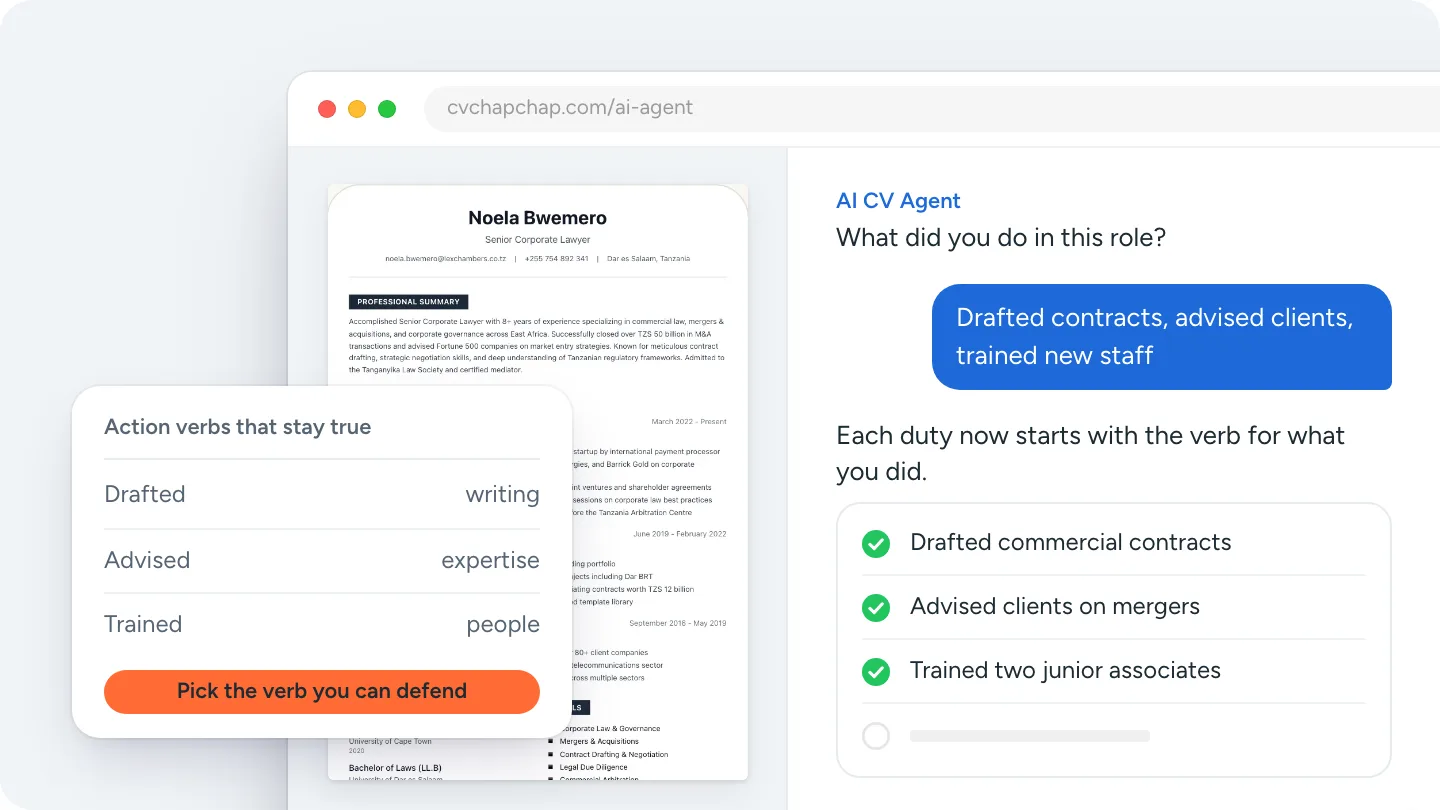
For each job give the job title, the employer, the town and the dates (month and year). Under it, three to five bullet points that start with a verb and say what you did and what changed because of it.
- Instead of "Responsible for customer complaints", write "Handled customer complaints by phone and email and closed most within a day".
- Use a number only if you know it is true: "Trained four new cashiers" beats "Trained many staff".
Our list of action verbs for a resume or CV helps you start each line well.
Step 4: Education
Your highest qualification first: the name of the qualification, the institution and the year. Add school results only if you finished recently or the advert asks for them.
Step 5: Skills
Six to ten skills that match the job: tools and software, languages, licences and the practical skills the advert names. See skills to put on a CV for soft and technical skill examples.
Step 6: Extras that earn their place
Certificates, languages, volunteering, awards or projects, but only those that help for this job.
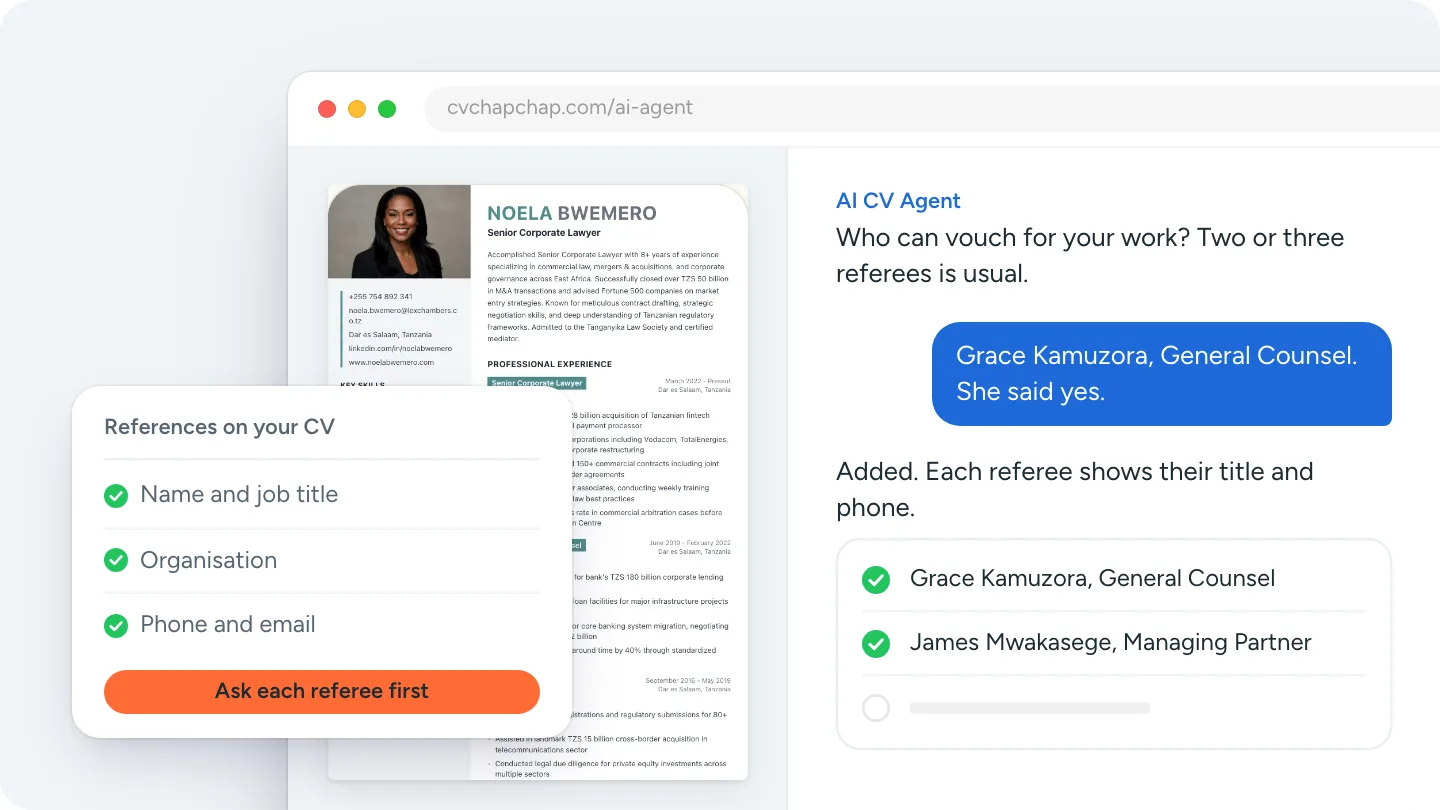
Step 7: References
In many countries, employers expect two or three referees on the CV itself; in others, "available on request" is normal. Our guide to references on a CV explains which to use.
How to write a CV with no experience
Lead with your education and your skills, then use school, college and community roles as your experience: an internship, a class project, volunteering, a part-time job or a club you ran. Write them exactly like jobs, with a verb and a result. Our page on a CV with no experience has a full example.
How long should a CV be?
One page if you have less than about five years of work, two pages once you have more. Only academic and research CVs run longer. See how long a CV should be for the details.
CV format and layout tips
- Reverse chronological order (newest first) suits almost every job. Our best CV format guide covers the alternatives.
- One clean font at 10 to 12 points for body text. See the best font for a CV.
- Standard headings (Experience, Education, Skills) so applicant tracking systems can read it.
- PDF, named Firstname_Lastname_CV.pdf.
Can I write my CV on my phone?
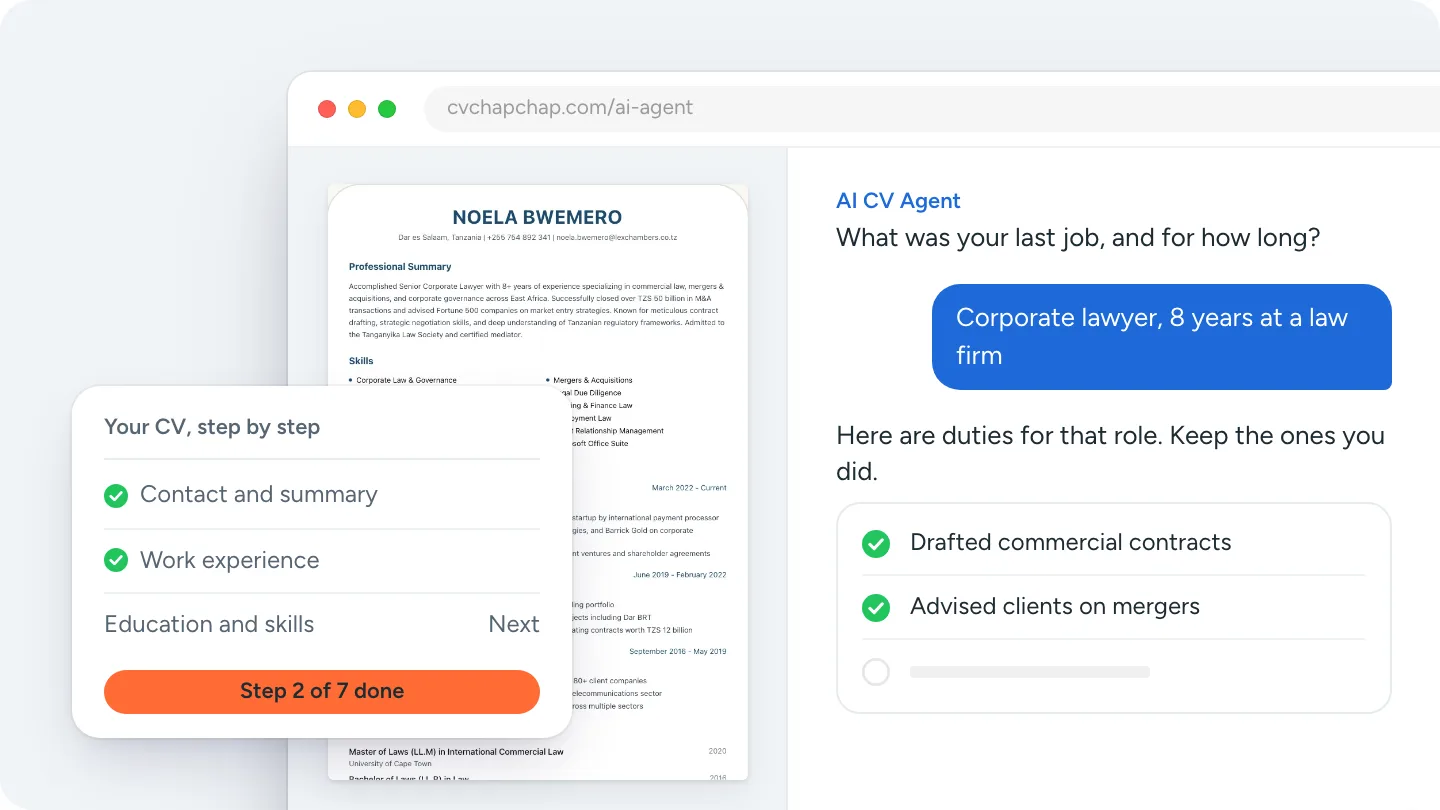
Yes. A CV builder made for phones lets you type each section, pick a design and download a PDF without a computer. CV Chap Chap was built phone first, with an Android app and iPhone home screen install, and you can start from 70 CV templates or let the AI CV Agent ask you questions and write it with you. Step by step: how to make a CV on your phone.
Check your CV before you send it
- Read it aloud once for spelling and missing words.
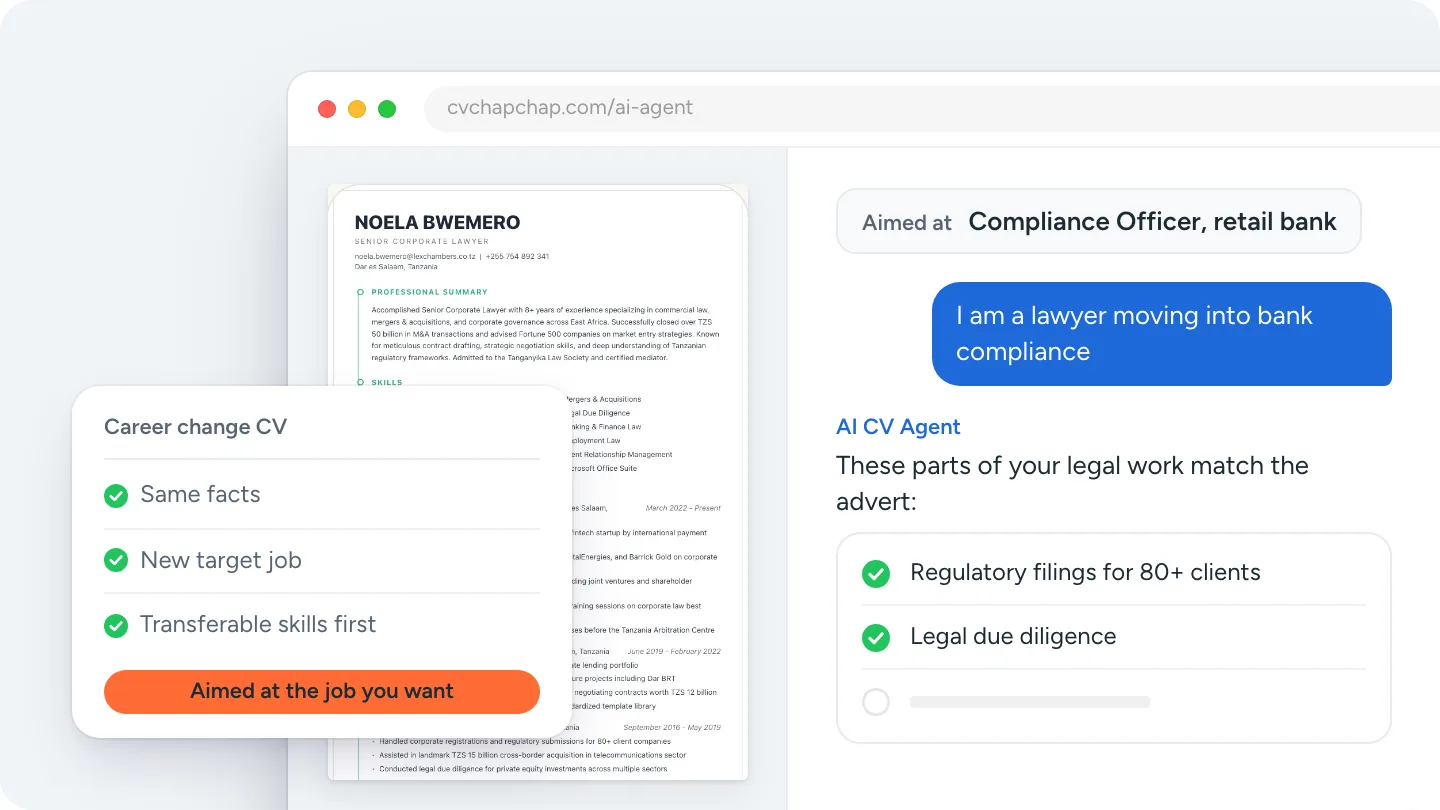
- Compare it with the advert: do the main requirements appear?
- Run it through a free ATS CV checker.
- Look at real CV examples for your job.
How to write a CV for your country
Most of this guide works everywhere, but some things change by country: photos, references, length and government forms. See the CV format for South Africa or Kenya, and our guide to writing a CV in Tanzania.
Knowing how to write a CV comes down to order and honesty: the right sections, newest first, true facts in strong words, on one or two clean pages.
Want help with the wording? Build your CV with the AI CV Agent.
Frequently Asked Questions
How do I write a CV for a job application?
Start with your contact details and a two to three line profile, then list your work experience newest first with what you achieved, followed by education, skills and references. Use the job advert's words where they are true, keep it to one or two pages and send it as a PDF.
What should a CV include?
Contact details, a short profile, work experience, education and skills. Add certificates, languages, volunteering or references where they help for the job.
How do I write my first CV?
Put your education and skills first, then use internships, projects, volunteering, part-time jobs and school or college roles as your experience. Write each one with a verb and a result, just like a job.
What is the best format for a CV?
Reverse chronological: your most recent job first. It is what recruiters expect and what applicant tracking systems read most reliably.
Should a CV be in PDF or Word?
PDF, unless the employer asks for Word. A PDF keeps your layout the same on every device.
How do I make a CV on my phone?
Use a CV builder that works on phones: type each section, choose a design and download the PDF. CV Chap Chap was built for phones and has an AI CV Agent that writes it with you.
Ready to Create Your Professional CV?
Put these tips into practice. Build a stunning, ATS-friendly CV in under 3 minutes with CV Chap Chap.
Create Your CV Now