Claude Resume Prompts: 10 Prompts That Write Your CV Without Making Things Up
Ten Claude resume prompts that get strong CV lines from your real facts, plus how to turn Claude's text into a designed, ATS-readable CV.

Alexander Phillip
Career Coach and Recruitment Expert
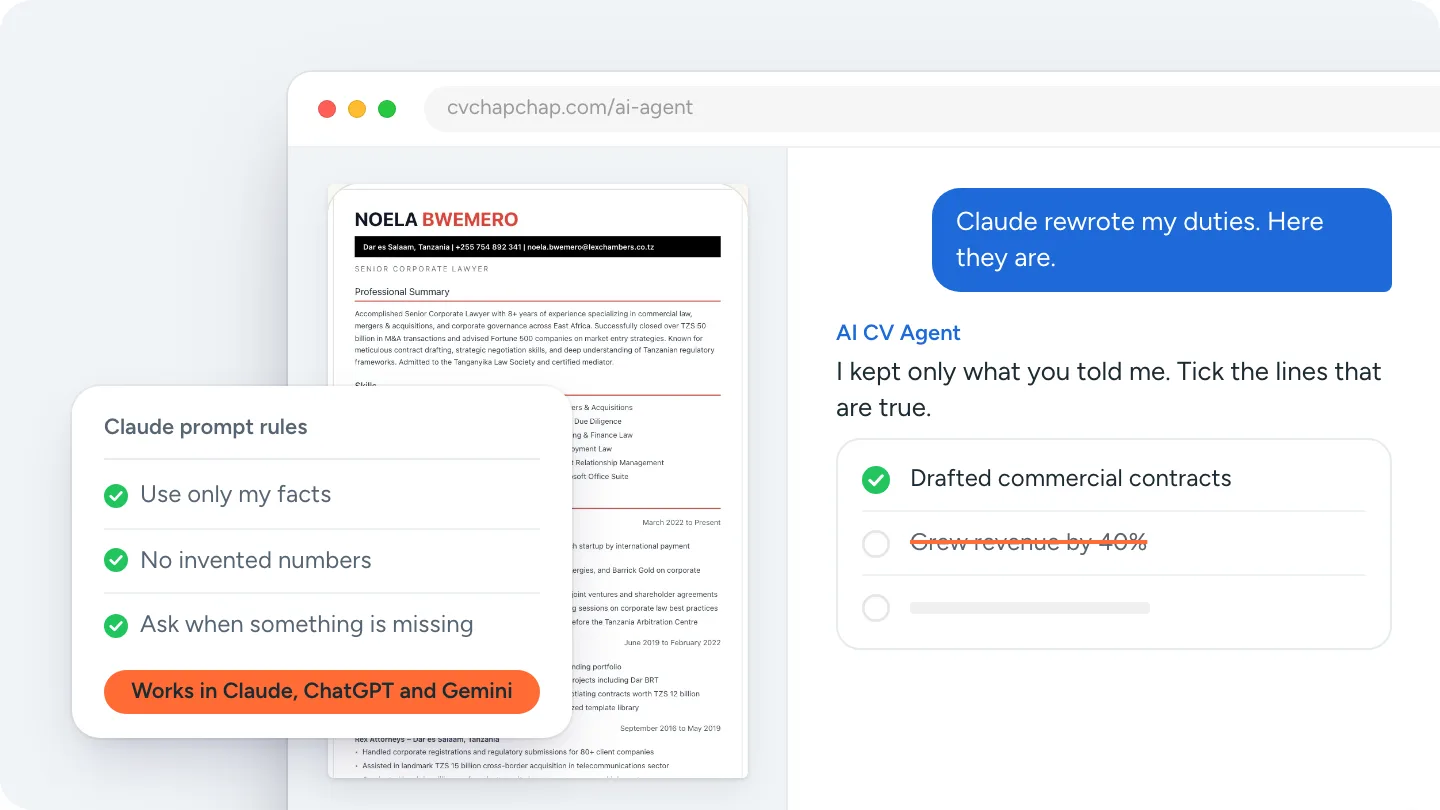
Short answer: the best Claude resume prompt starts with rules, not a request: tell Claude to use only the facts you give it, never to add numbers or achievements, and to ask when something is missing. Then give it one job at a time. Below are ten Claude resume prompts to copy, in the order you use them, and how to turn the text into a finished CV.
Claude, the AI assistant made by Anthropic, writes clear, natural CV lines and follows long instructions well. Like every general assistant, it will also fill a gap with something plausible if you let it. These prompts stop that.
Before you prompt: gather your facts
Write a rough list first: every job title, employer, town and start and end month; what you did in each job, in your own words; your qualifications with dates; your skills and languages. Claude works from this list. Anything not on it should not appear in your CV.
10 Claude resume prompts to copy
1. Set the rules
You are helping me write my CV. Use only the facts I give you. Never add numbers, percentages, achievements, tools, certificates or employers I did not mention. If something important is missing, ask me instead of guessing. Write in clear, plain British English.
2. Ask me questions first
Before writing anything, ask me the questions you need for a strong CV for a [job title] role, one at a time.
3. Turn one job into duty lines
Job: [title] at [employer], [town], [month year] to [month year]. What I did: [your notes]. Write 4 short CV bullet points that start with a strong verb. Keep every fact; add none.
4. Make weak lines stronger
Rewrite these bullet points so each one says what I did and what it led to. If a result is not in my words, leave it out and tell me which lines would be stronger with a real number I could add: [paste bullets]
5. Write the summary last
Using only the jobs and education above, write a three-line CV summary for a [target job] role. Count my years of experience from the dates; do not round up.
6. Pick the skills
From everything I have told you, list the skills I clearly have, split into job skills and software. Do not add skills I did not mention.
7. Match a job advert
Here is a job advert: [paste]. Here is my CV text: [paste]. List what the advert asks for, mark which of my real skills and duties match, and suggest which lines to move up. Do not invent anything to fill a gap; list the gaps separately.
8. First CV, no experience
I am a [student or graduate] applying for [job]. Here are my studies, projects, volunteering and part-time work: [notes]. Turn them into a CV experience section with honest bullet points.
9. Career change
I am moving from [current work] to [new job]. From my real duties, pick the transferable skills the new job needs and rewrite my bullets to stress them. Keep my real job titles.
10. Catch invented facts
Compare the CV you wrote with the facts I gave you. List every number, achievement, tool or claim that was not in my messages.
Is Claude good for writing a resume?
Yes, for the words. Claude is strong at turning rough notes into clear bullet points, keeping a consistent tone and following detailed rules like the ones above. What it does not do on its own is lay out a CV in a tested design, check it against what employers and screening software expect, or keep the job advert in mind when you move on to the next section unless you remind it. For an honest comparison with other assistants, see the best AI for CV writing.
How to turn Claude's text into a finished CV
Ask Claude to put the final CV in one plain-text block or a Word document, then use one of these routes:
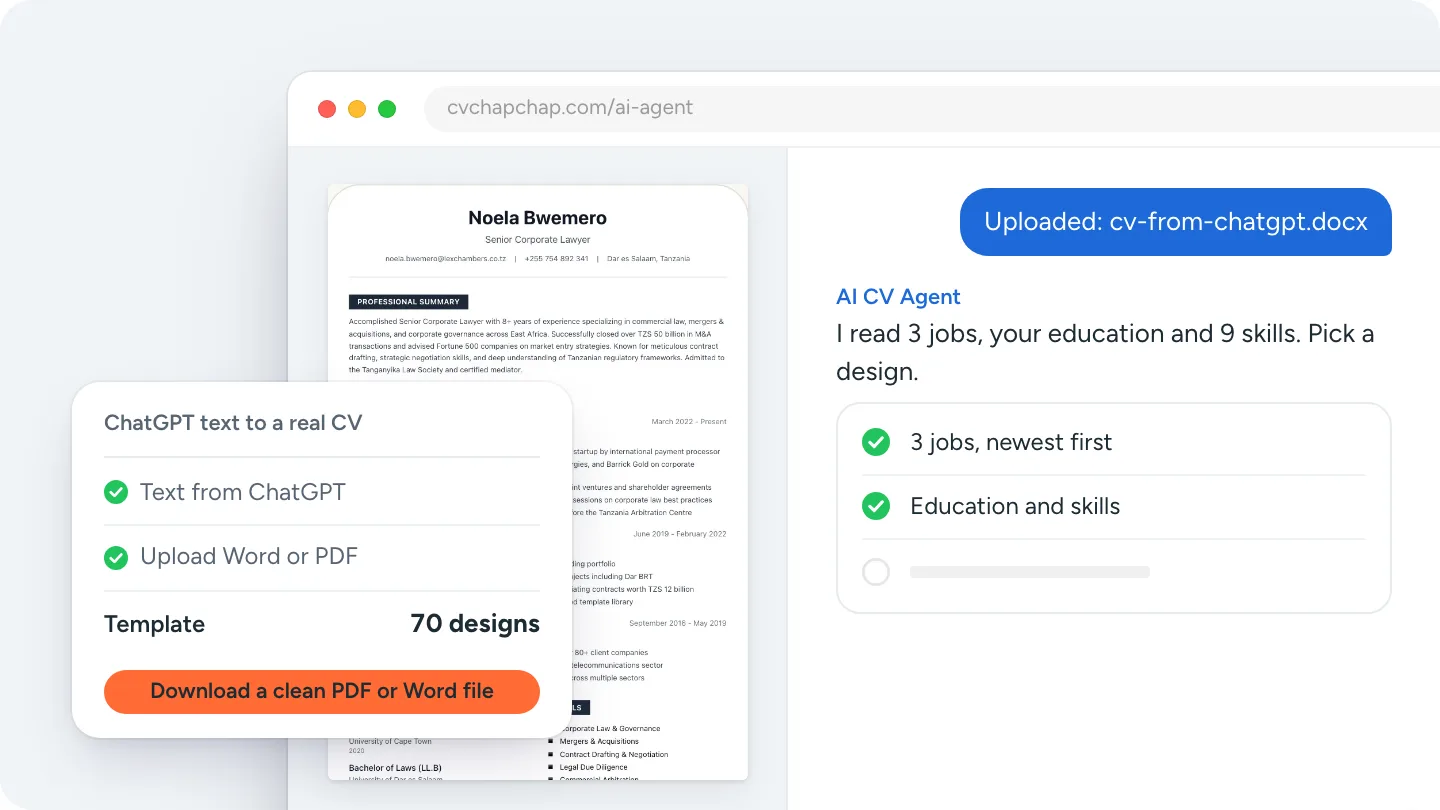
- Upload it. Save the text as a Word or PDF file and choose Upload my CV in the AI CV Agent or on the upload page. Your jobs, education and skills are read into a design you can switch, and the agent asks for anything missing.
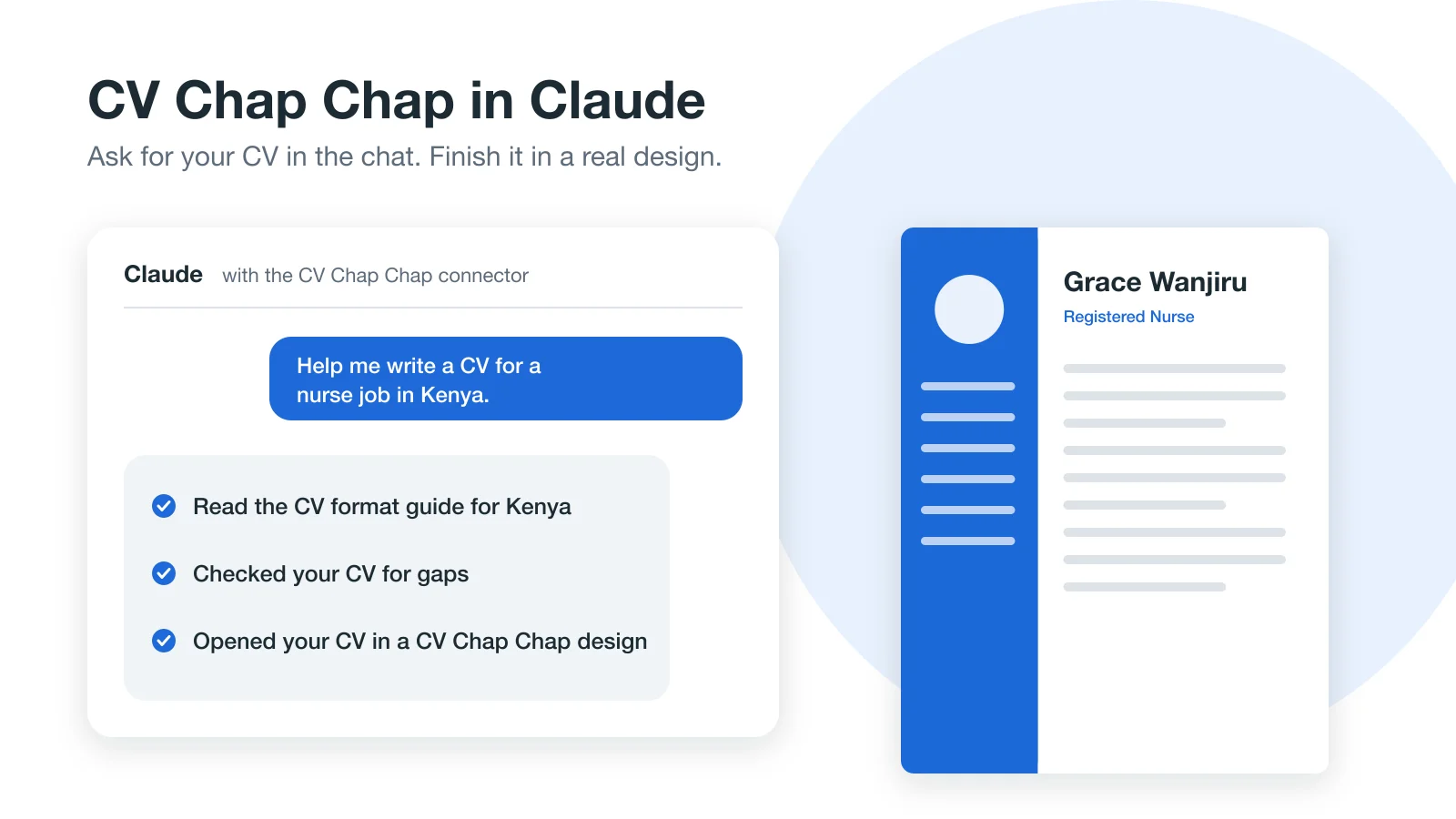
- Use the connector. Add CV Chap Chap to Claude and ask Claude to open your CV in a CV Chap Chap design without leaving the chat.
The full walk-through, which works for ChatGPT and Gemini too, is in turning ChatGPT's resume text into a real template.
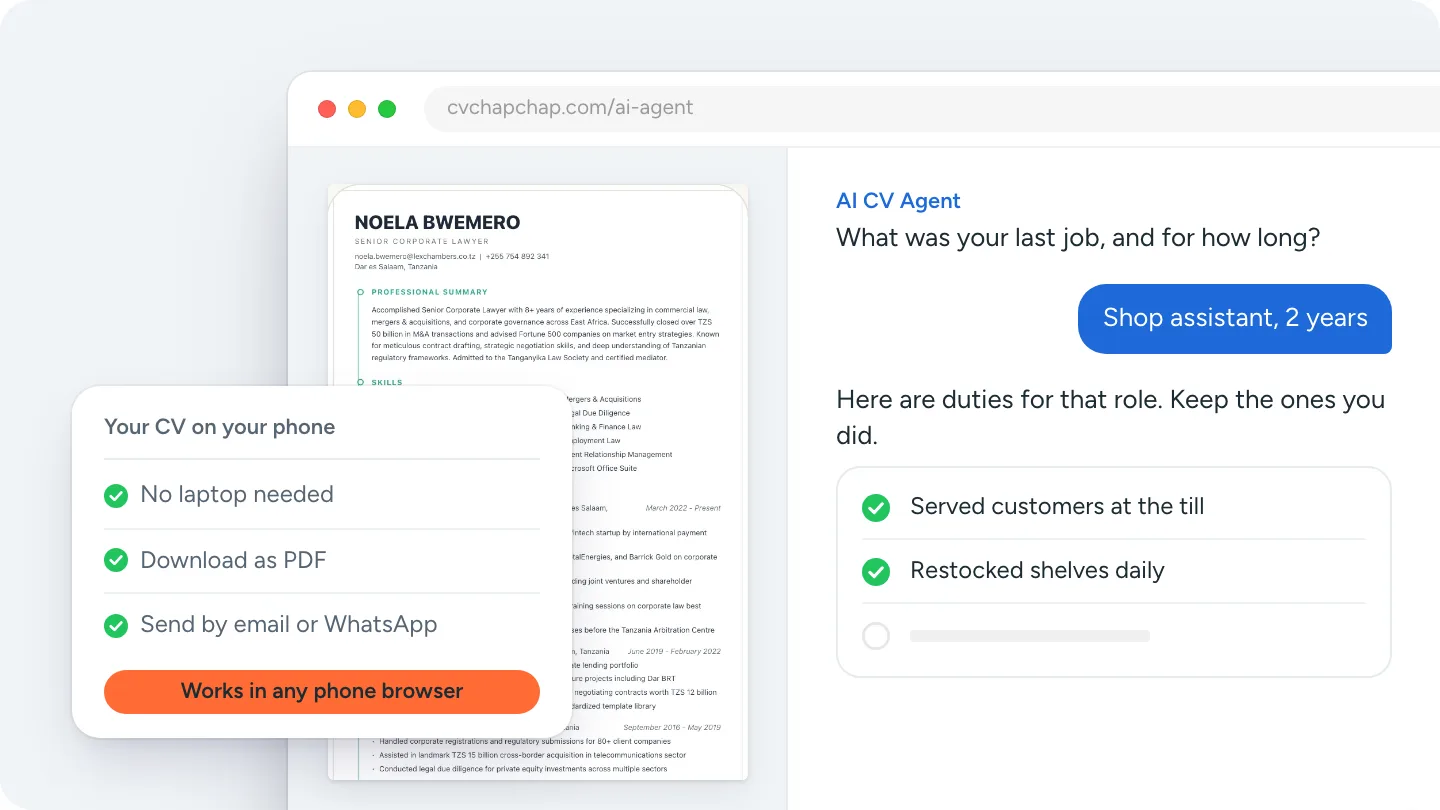
Rather answer questions than write prompts? Build your CV with the AI CV Agent.
Before you send a CV Claude helped write
- Every date, title and employer matches your records and your LinkedIn profile.
- No line you could not explain in an interview.
- No numbers you cannot back up. Read can employers tell if you used AI.
- The file passes the free ATS CV checker.
Use these Claude resume prompts in order, keep Claude to your facts, and finish the CV in a real design.
Frequently Asked Questions
What is the best Claude prompt for a resume?
Start with rules: tell Claude to use only the facts you give, never to add numbers or achievements, and to ask when something is missing. Then give it one job at a time with your real duties.
Can Claude write my resume?
Claude can write the text of your resume from your facts. It does not design or check the finished CV on its own, so put the text into a CV template or a CV builder before you send it.
Is Claude or ChatGPT better for writing a resume?
Both write strong CV lines when given real facts and firm rules. Pick the one you already use; the bigger difference is how you turn the text into a finished, checked CV.
Will Claude make things up on my CV?
It can fill gaps with plausible details if you let it. Tell it to use only your facts, and finish with a prompt that lists anything that was not in your messages.
How do I turn Claude's resume into a PDF?
Save the text as a Word or PDF file and upload it to a CV builder such as CV Chap Chap, which reads it into a design you can download as a clean PDF.
Ready to Create Your Professional CV?
Put these tips into practice. Build a stunning, ATS-friendly CV in under 3 minutes with CV Chap Chap.
Create Your CV Now