ChatGPT Resume Template: Turn ChatGPT's Text Into a Clean PDF CV
Let ChatGPT, Claude or Gemini write your CV text, then put it into a real template and download a clean PDF, without fixing a layout by hand.

Alexander Phillip
Career Coach and Recruitment Expert
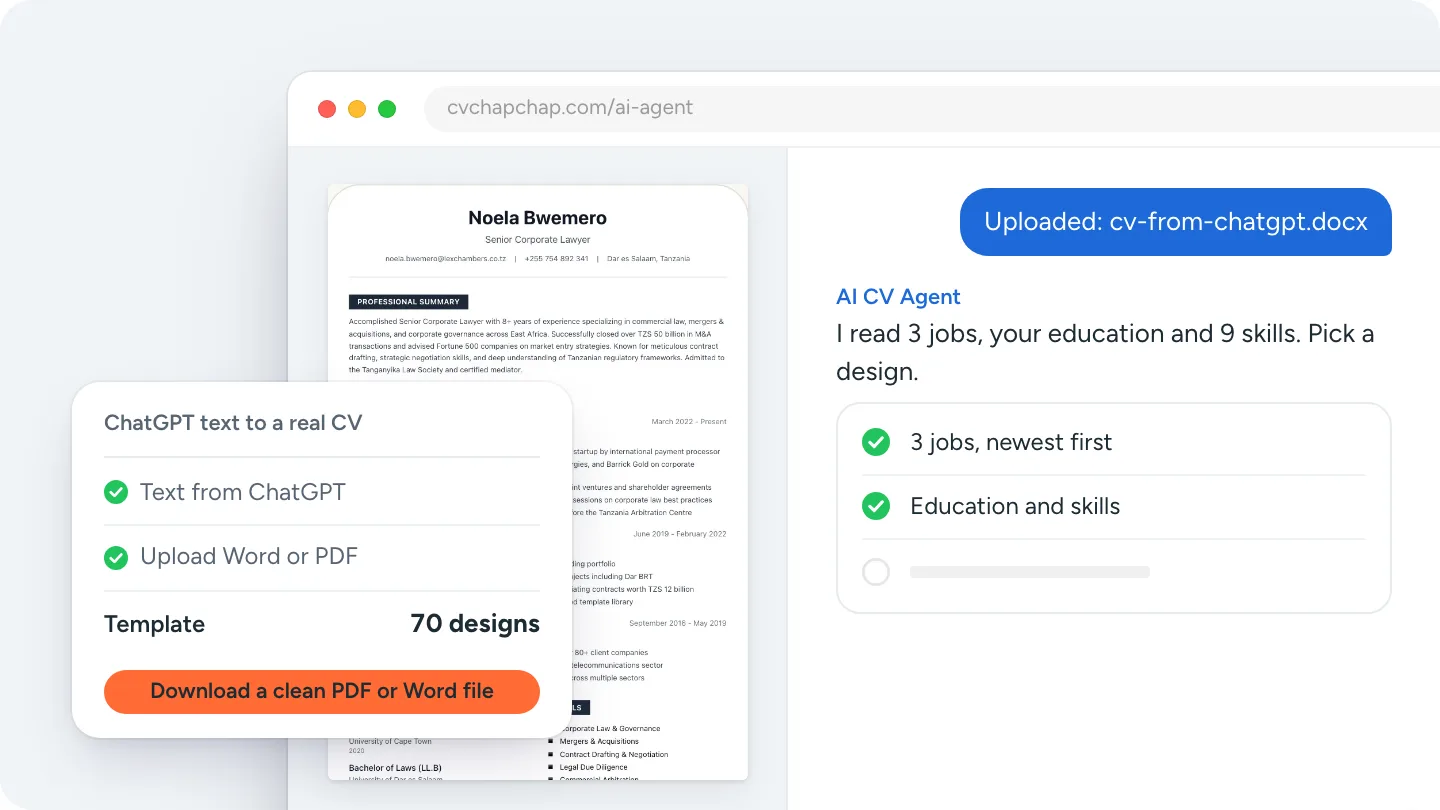
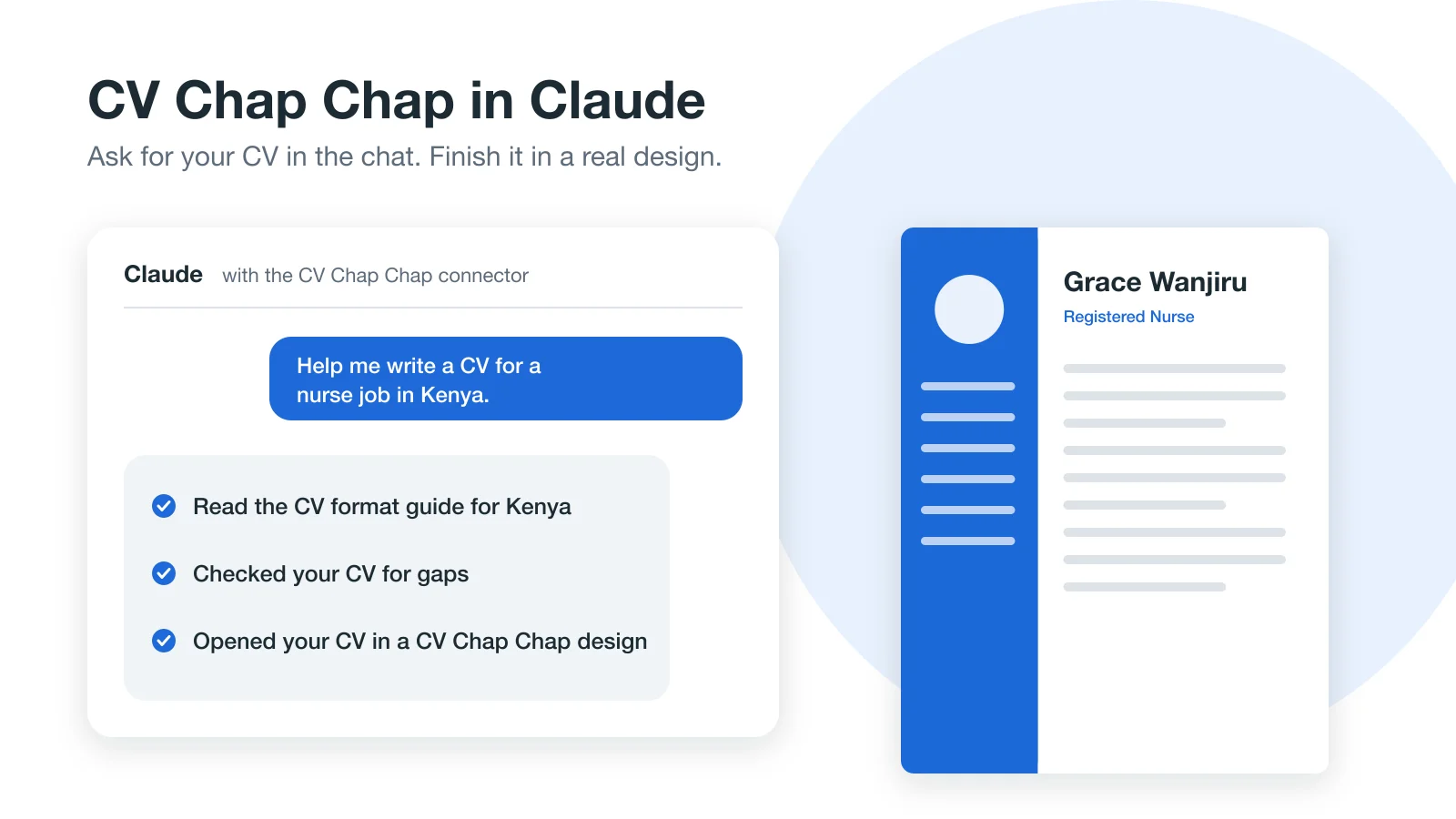
Short answer: ChatGPT has no resume template of its own. It gives you text, and at best a basic Word or PDF file. To get a proper ChatGPT resume template, ask ChatGPT for the final CV as plain text or a Word file, then upload it to a CV builder that lays it out in a tested design, such as the AI CV Agent, and download a clean PDF. The same works for text from Claude and Gemini.
This guide covers the ChatGPT resume format to ask for, how to download your CV from ChatGPT, and how to put it into a real template in a few minutes.
Why ChatGPT does not give you a finished template
ChatGPT is a writing tool. In a chat it shows your CV as formatted text; copied into Word, that usually brings odd spacing, mixed bullet styles and headings that do not line up. Asked for a file, it can often produce a simple document, but the layout is plain and nobody has tested it with the applicant tracking systems (ATS) employers use. The words can be good; the design and the checks are still your job.
Step 1: get the right resume format out of ChatGPT
Ask for structure, not decoration. Paste this at the end of your chat:
Put my final CV in plain text with these headings in this order: Contact details, Profile, Work experience, Education, Skills, Languages, Certificates, References. For each job give title, employer, town, start and end month and year, then the bullet points. No tables, no columns, no emojis, and use only the facts I gave you.
Clear headings and full dates are what a CV builder needs to read your CV correctly. If you have not written the content yet, start with how to make your CV with ChatGPT, or with these Claude resume prompts or Gemini resume prompts.
Step 2: download your CV from ChatGPT
How do I download my resume from ChatGPT?
Ask ChatGPT for the CV "as a Word document" and download the file it gives you. If it cannot make a file in your chat, copy the plain text into Word or Google Docs and save it as .docx or PDF.
Can I convert a ChatGPT resume to PDF directly?
You can, by saving the document as a PDF, but you will get ChatGPT's plain layout. For a designed PDF, upload the text to a builder first and download the PDF from there.
Step 3: put the text into a real resume template
- Open the AI CV Agent and choose Upload my CV (or use the upload page).
- Pick the Word or PDF file you saved. Your contact details, jobs, education and skills are read into the CV.
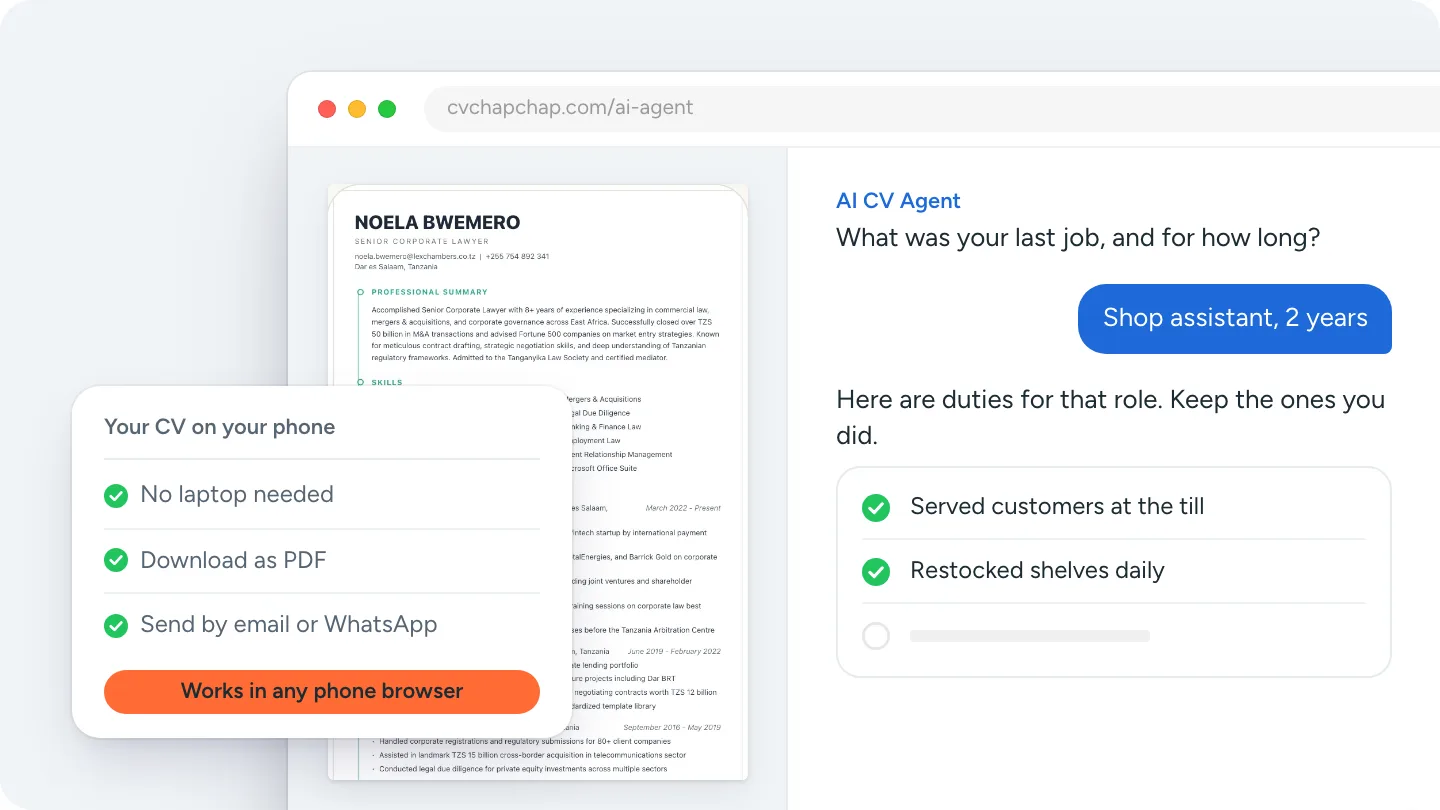
- Check each section. The agent asks for anything important that is missing, such as a job with no dates or duties.
- Switch between 70 CV templates on the preview page; the words stay as they are.
- Download a clean PDF or a Word file.
Building, editing and previewing are free, so you see the finished CV before you decide to download.
Have your ChatGPT text ready? Upload it to the AI CV Agent.
Can I aim the CV at a job too?
Yes. In the AI CV Agent you can also paste the job advert, and it keeps that job in mind for your summary and skills while you check the CV. See ChatGPT vs CV Chap Chap for what each tool does best.
ChatGPT resume template vs a CV builder
| What you need | ChatGPT on its own | ChatGPT text + CV Chap Chap |
|---|---|---|
| Clear wording | Yes | Yes, kept as you wrote it |
| A tested design | Plain document | 70 designs, switch any time |
| Checks for missing dates and duties | Only if you ask | Built in |
| ATS-readable PDF | Depends on your layout | Real text, standard headings |
| PDF and Word download | Basic file | Both, clean |
Before you send it
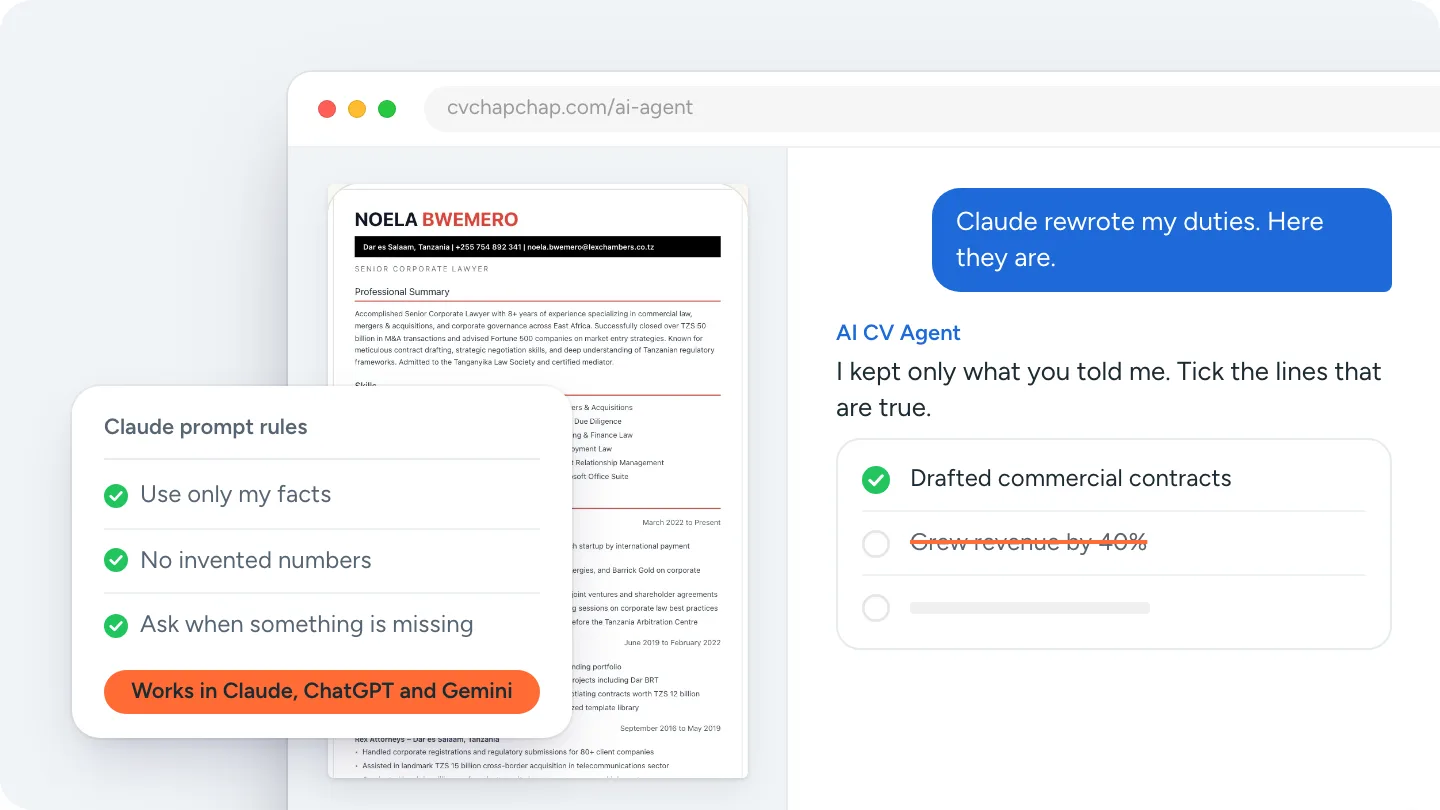
Read every line against your own records: AI tools sometimes add numbers or skills you never gave them. Then check the file with the free ATS CV checker.
That is the quickest ChatGPT resume template: ChatGPT for the words, a real template for the layout, and a clean PDF at the end.
Frequently Asked Questions
Does ChatGPT have a resume template?
No. ChatGPT writes resume text and can sometimes give you a basic Word file, but it has no tested CV designs. Put the text into a CV template or builder for a finished layout.
How do I download my CV from ChatGPT?
Ask ChatGPT for the CV as a Word document and download it. If it cannot make a file, copy the text into Word or Google Docs and save it as .docx or PDF.
How do I convert a ChatGPT resume to PDF?
Save the text as a Word file, upload it to a CV builder such as CV Chap Chap, pick a design and download the PDF. Saving ChatGPT's document straight to PDF keeps its plain layout.
What is the best format to ask ChatGPT for?
Plain text with clear headings in order (contact, profile, experience, education, skills), full start and end dates for each job, and no tables, columns or emojis.
Does this work with Claude and Gemini?
Yes. Save the CV text from any assistant as a Word or PDF file and upload it the same way.
Ready to Create Your Professional CV?
Put these tips into practice. Build a stunning, ATS-friendly CV in under 3 minutes with CV Chap Chap.
Create Your CV Now