
Free cover letter templates
Free cover letter templates you fill in online: 6 one-page designs for any job application, from classic to modern. Tell us about the job and your experience, the AI drafts a cover letter from your own words, and you download it as a PDF.
Cover letter templates for any job application
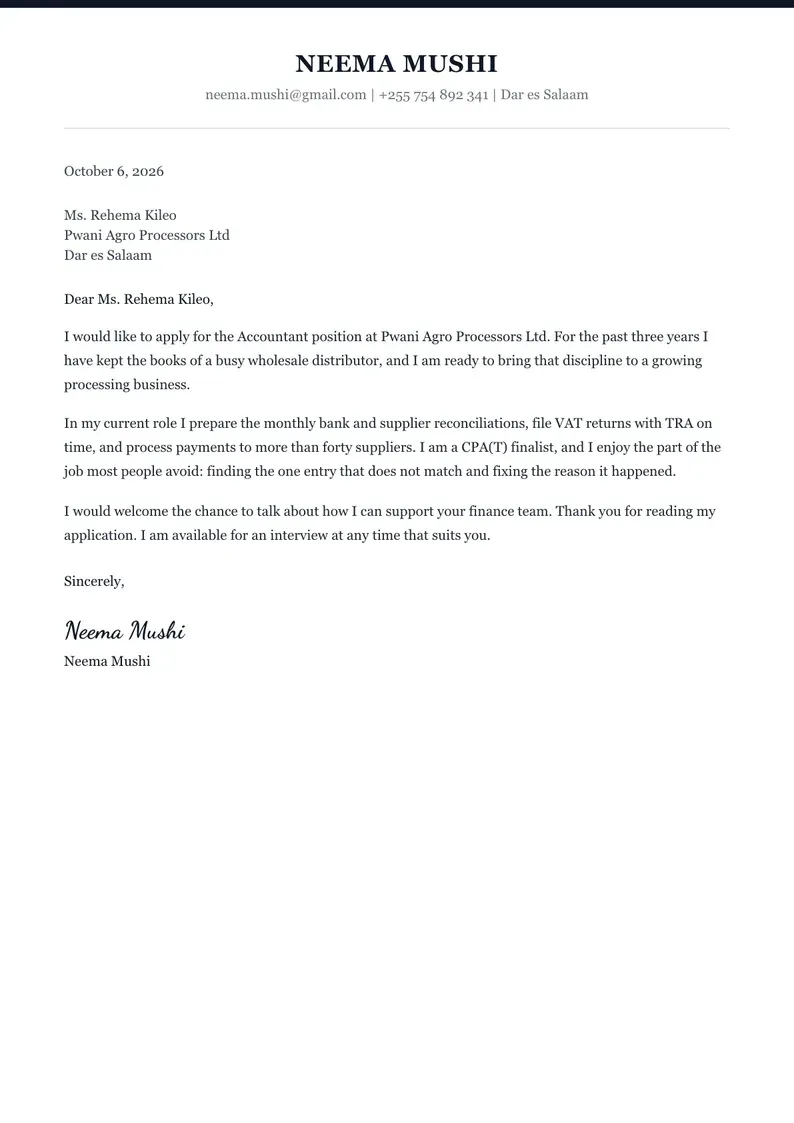
Each cover letter template below is the full A4 page, shown with the same sample letter so you can compare the designs. Pick one and your own words replace the sample.
Professional cover letter template
Dark top line, centered name, serif body. Good for: Banks, law, accounting and government jobs.
Use the Professional template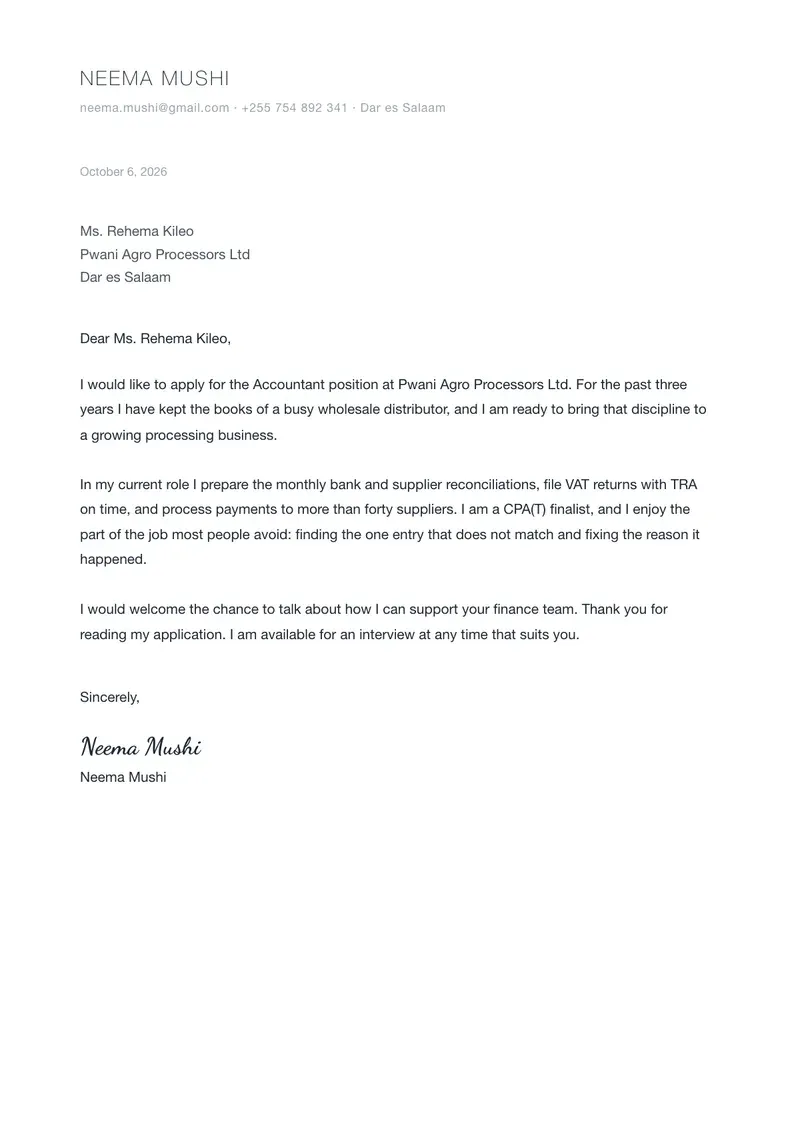
Whitespace cover letter template
Minimal, generous spacing, sans-serif. Good for: Almost any job: quiet, clear and easy to scan.
Use the Whitespace template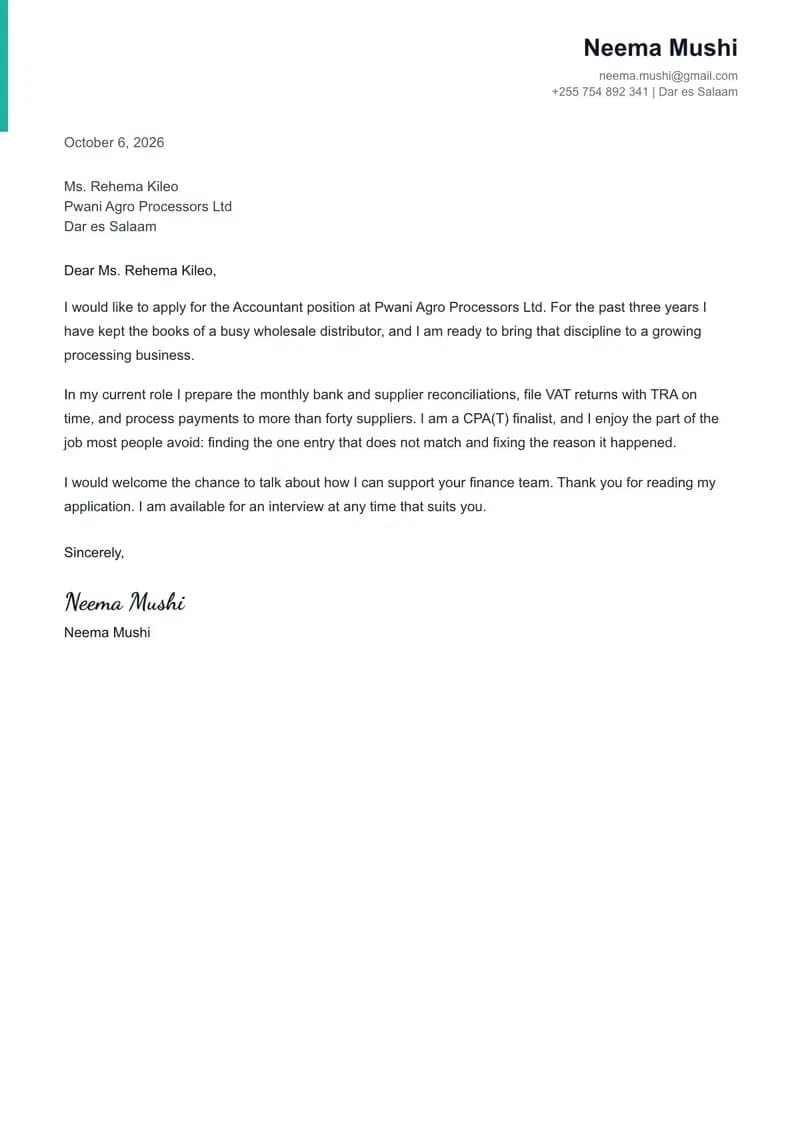
Contempo cover letter template
Teal accent bar, right-aligned name. Good for: Tech, NGOs and modern offices.
Use the Contempo template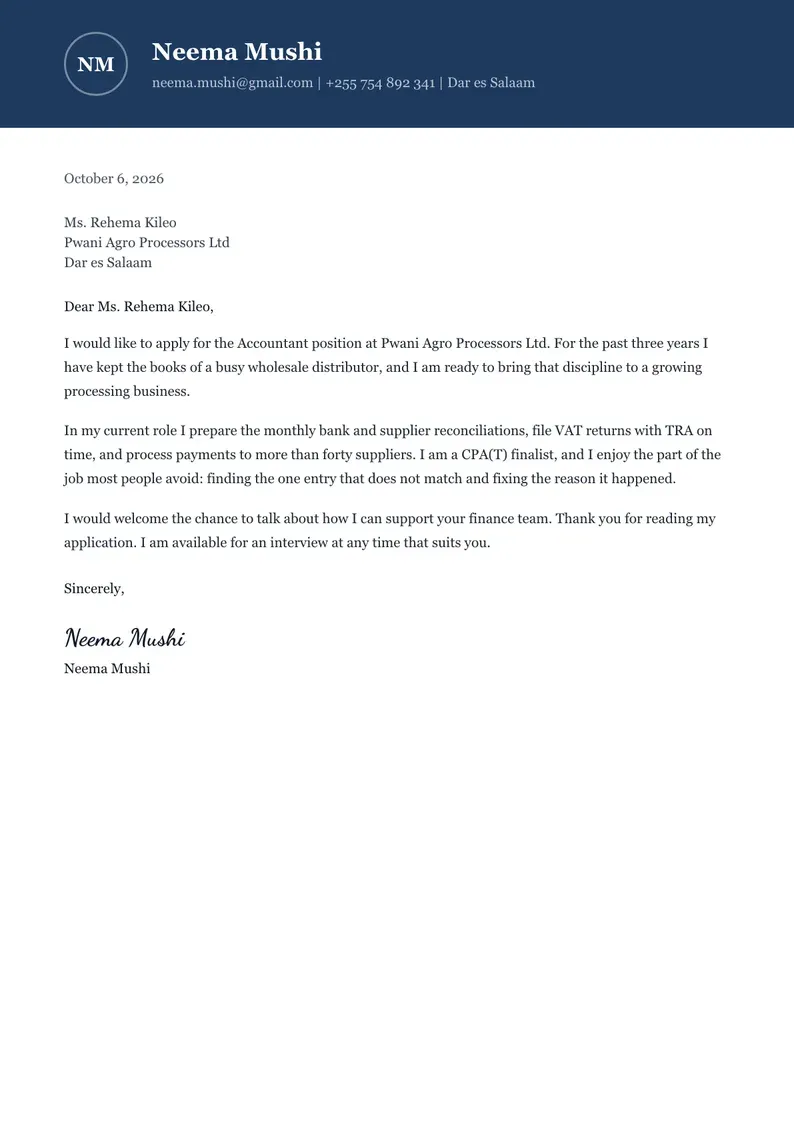
Managerial cover letter template
Navy header block with initials, serif body. Good for: Managers and supervisors who want a strong header.
Use the Managerial template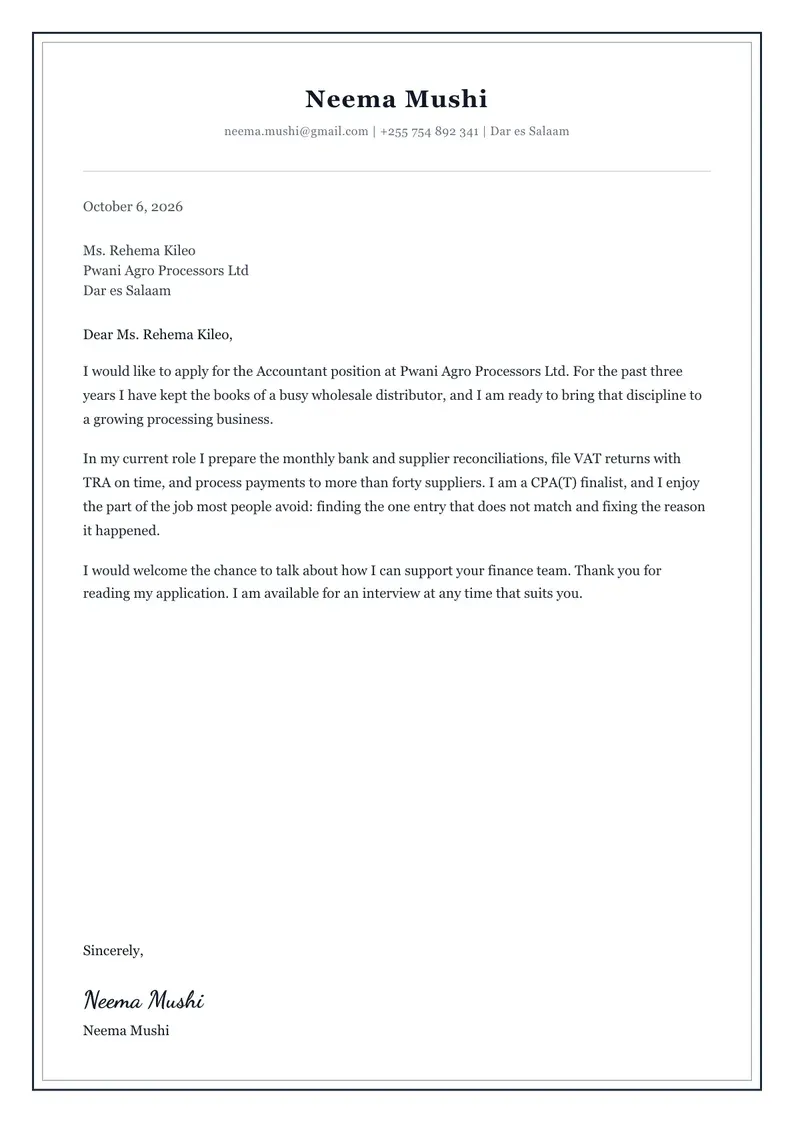
Refined cover letter template
Double line border, elegant serif. Good for: Senior and formal roles where a classic page reads best.
Use the Refined template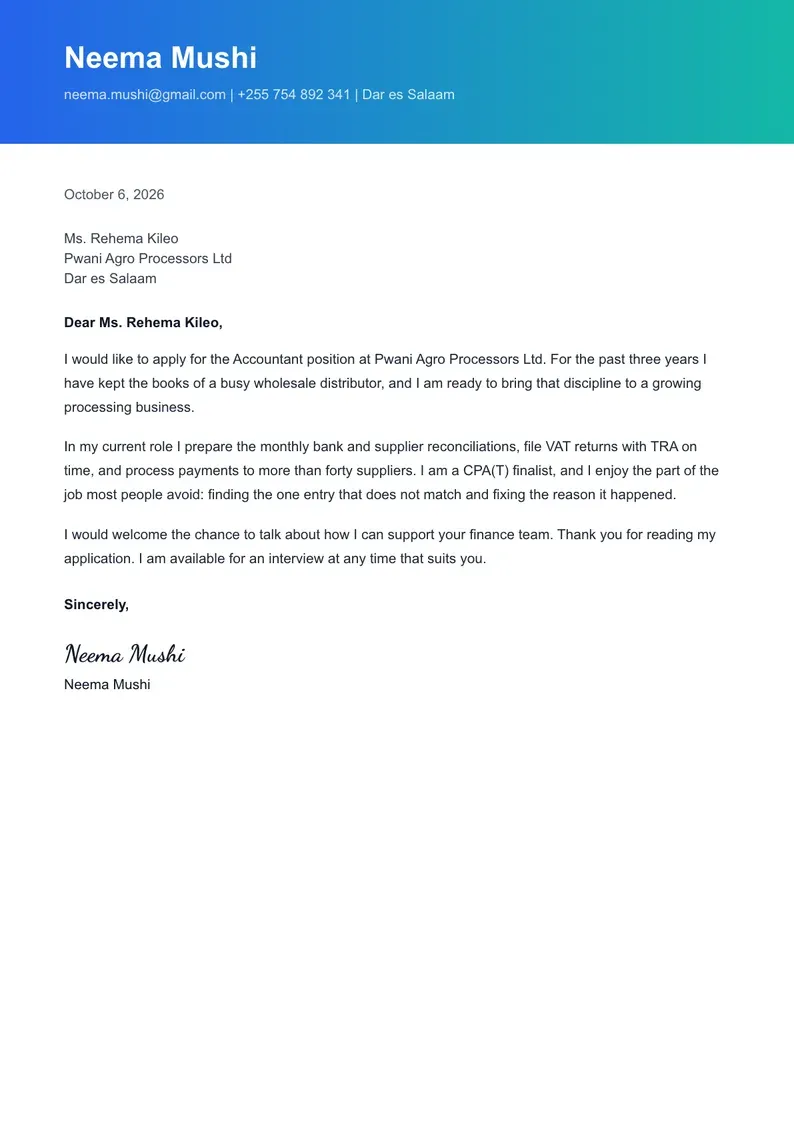
Pacific cover letter template
Gradient header, bold sans-serif. Good for: Marketing, media and creative roles.
Use the Pacific template
Which cover letter template should you choose?
Choose the cover letter template that matches the employer: classic for formal workplaces, clean and modern for most jobs, colourful only where design is part of the role.
- professional cover letter templates
- Professional (Banks, law, accounting and government jobs); Managerial (Managers and supervisors who want a strong header); Refined (Senior and formal roles where a classic page reads best).
- modern cover letter templates
- Whitespace (Almost any job: quiet, clear and easy to scan); Contempo (Tech, NGOs and modern offices).
- creative cover letter templates
- Pacific (Marketing, media and creative roles).
Sending a CV too? Use a matching look: our CV templates come in the same professional, modern and creative styles.
What a cover letter template includes
A good cover letter template has eight parts, in this order. Every CV Chap Chap template lays them out for you, so you only write the words.
- 1
Your details
Your name, email, phone number and town at the top, so the reader can reach you without opening your CV.
- 2
Date
The day you send it. It shows the letter was written for this application.
- 3
Employer's details
The hiring manager's name if you know it, the company and its town. If there is no name, write "Hiring Manager".
- 4
Greeting
"Dear Ms. Bennett," when you have a name; "Dear Hiring Manager," when you do not. Avoid "To whom it may concern".
- 5
Opening paragraph
The job you are applying for and who you are in one or two sentences.
- 6
Middle paragraph
One or two things you have done that match the advert, with real detail: what you did and what came of it.
- 7
Closing paragraph
Why you want this job, a thank you, and when you can meet for an interview.
- 8
Sign-off and signature
"Sincerely," or "Kind regards,", then your signature and your typed name.
Cover letter template in Word, Google Docs or PDF?
A PDF cover letter template is the safest choice: it looks the same on the recruiter's screen as on yours, and applicant tracking systems read its text. Word and Google Docs templates shift when the reader's fonts or margins differ.
CV Chap Chap cover letter templates are filled in online and download as a PDF. If an employer asks for a Word file, copy your finished text into a blank document. Need a letter for a specific job? The cover letter generator drafts it from the job advert and your experience, and the internship application letter guide covers students.
How to fill in a cover letter template
Four steps. Before you send it, check your CV too with the free ATS CV checker.
- 1
Pick a cover letter template
Choose one of 6 designs. You can switch design later without retyping anything.
- 2
Add your details and the job
Your contact details, the job title, the company and, if you have it, the job advert.
- 3
Tell us about your experience
In your own words. The AI writes the letter from what you say and never invents jobs, numbers or skills.
- 4
Edit, sign and download
Change any line, add a typed or drawn signature, and download your cover letter as a PDF with a free account.
Cover letter templates, answered
Yes. Every CV Chap Chap cover letter template is free to fill in and free to download. You need a free account to download, so your letter is saved and you can open it again later.
No. Our cover letter templates are filled in online and download as a PDF, which keeps the layout the same on every phone and computer. If an employer asks for a Word file, copy the text of your letter into a Word document.
A simple one-page template with clear headings is best for most job applications. Choose Whitespace or Professional when you are not sure; they read well on any screen and in applicant tracking systems (ATS).
A cover letter should fit on one page: three or four short paragraphs, about 250 to 400 words. Every template here is a single A4 page.
Read the cover letter guideYes. Use any template and put a project, volunteering or a part-time job where work experience would go. Our cover letter examples include a full letter for a graduate with no experience.
See cover letter examplesMostly. Both introduce you to an employer and ask for an interview. "Application letter" is the common term in Kenya, Nigeria, Tanzania and much of Africa, and it is sometimes sent without a CV; "cover letter" usually goes with a CV.
See the application letter guide
Pick a cover letter template and write yours
6 free cover letter templates, AI help from your own words, and a PDF ready to send today.