How to Send a CV via WhatsApp: Steps, Message Example and File Format
Many employers now take CVs on WhatsApp. How to send yours as a document, what to write in the message, how to follow up, and the scams to avoid.

Alexander Phillip
Career Coach and Recruitment Expert
Short answer: how to send a CV via WhatsApp: save your CV as a PDF named with your name, open the employer's chat, tap the attach icon (the paperclip or plus), choose Document (not Gallery or Camera), pick the PDF, and send it with a short message that gives your name, the job you are applying for, where you saw it and one line on why you fit. Send it in working hours, wait for the tick marks, and follow up once after three or four working days if you hear nothing. Never send it as a photo, never send it to a job group without checking the advert, and never pay anyone who asks for a fee to "process" your application.
This guide gives the steps for Android and iPhone, three message examples, what to do if the employer replies, and how to spot WhatsApp job scams.
How to send a CV on WhatsApp, step by step
- Get the CV as a PDF on your phone. Download it from your CV builder, or export from Word or Google Docs (menu, Save as or Download, PDF). Name it Firstname_Lastname_CV.pdf. If it is only on paper, build a proper one; our guide shows how to make a CV on your phone.
- Save the employer's number and check it matches the advert. Open the chat.
- Tap attach. On Android the paperclip; on iPhone the plus sign next to the message box.
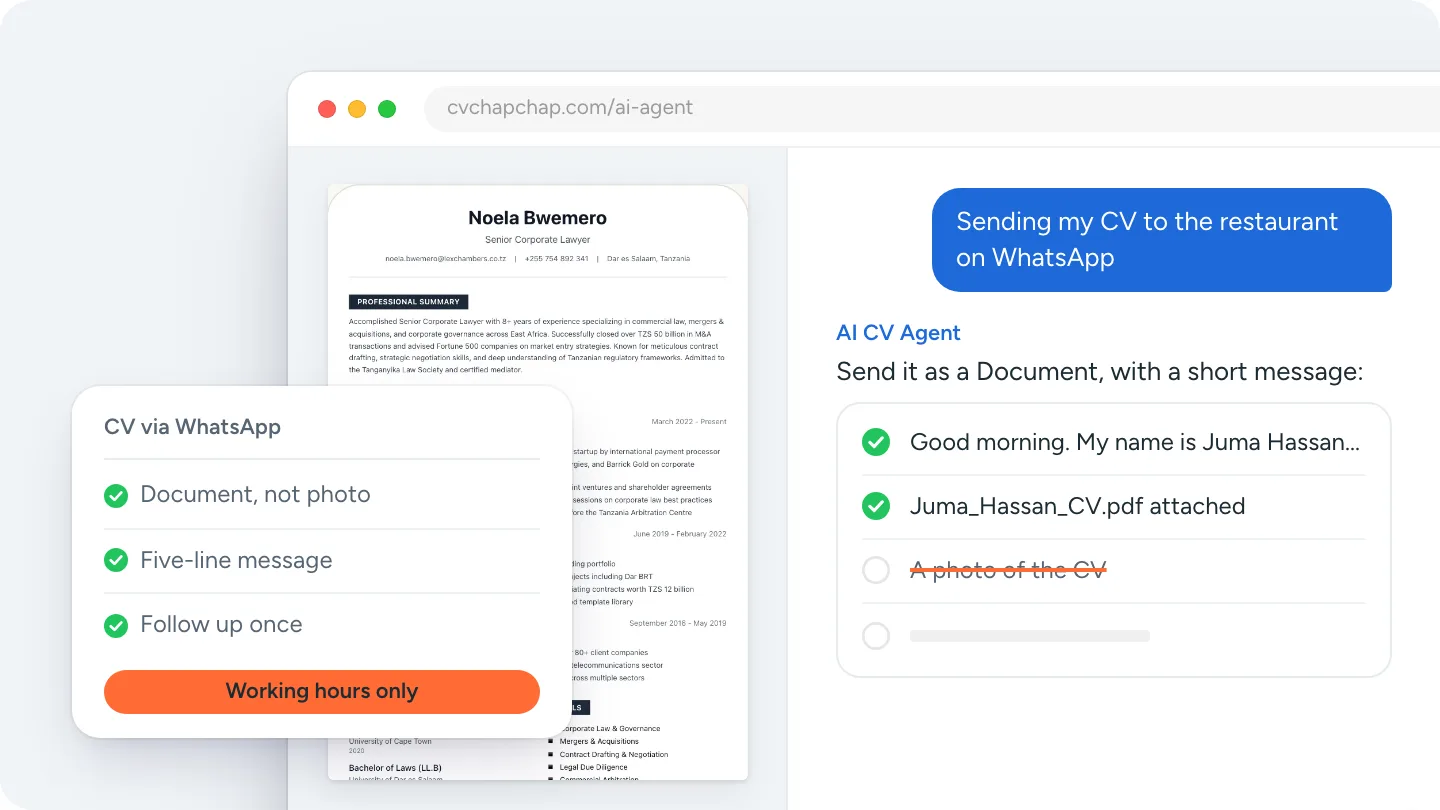
- Choose Document. This sends the file itself. Gallery or Camera sends a compressed image that cannot be opened as a CV or printed cleanly.
- Pick the PDF from Downloads, Files or your CV app, and send.
- Send your message right after the file (examples below), in the language the advert used.
- Wait for two ticks, then leave it. Do not send the file twice or send reminders the same day.
What to write when sending a CV on WhatsApp
Keep it to four or five lines: who you are, the job, where you saw it, one line of fit, and a polite close. Use proper sentences, no emojis, no "hi dear".
Good morning. My name is Juma Hassan. I am applying for the waiter position advertised on your Facebook page on 3 November. I have three years of restaurant service experience and a food handler's certificate, and I am available for all shifts. My CV is attached. Thank you for considering my application.
Good afternoon, Mrs Dlamini. I saw the general worker vacancy on the notice board at Marapong clinic. I have two years of construction and cleaning work and a Code 10 licence, and I live in Marapong. My CV is attached as a PDF. I am available to start immediately.
Hello. I am Amina Wanjiru, a school leaver in Nakuru, applying for the cashier post you advertised on WhatsApp today. I have two years of experience serving customers and handling cash at a family shop. My CV is attached. I can come for an interview any day this week.
If the advert gave a reference number or asked you to write a specific word, put it in the first line. If it asked for a cover letter, our free cover letter generator writes one you can paste or attach.
After you send it
- Reply fast when the employer answers; many WhatsApp hiring decisions happen the same day.
- Follow up once, after three or four working days: "Good morning. I sent my CV for the waiter position on Monday and wanted to check whether you need anything else from me. Thank you."
- Keep your profile tidy: your WhatsApp name should be your real name and your profile photo should be one you would show an employer, because they will see both.
- Do not send the CV to a group the advert did not name, or forward the advert on with your CV; apply only to the number given.
Need the PDF first? Build it in your phone browser, then attach it from Downloads. Build your CV with the AI CV Agent.
WhatsApp job scams: what to refuse
WhatsApp is also where job scams live. Refuse any of these, whatever the job:
- A fee for "registration", "processing", a uniform, training, a medical or a visa. Real employers do not charge applicants.
- Requests for your ID, passport, bank details or mobile money PIN before an interview and a written offer.
- An unknown number offering a job you did not apply for, especially abroad, with pressure to act today.
- Interviews held only in a WhatsApp group, or a company that cannot be found at a physical address or on an official site.
Check the company's official page, phone the landline on it, and keep your CV free of your ID number and date of birth where they are not required; our CV mistakes guide lists what to leave off.
Questions about sending CVs on WhatsApp
Should I send my CV on WhatsApp as a PDF or a Word file?
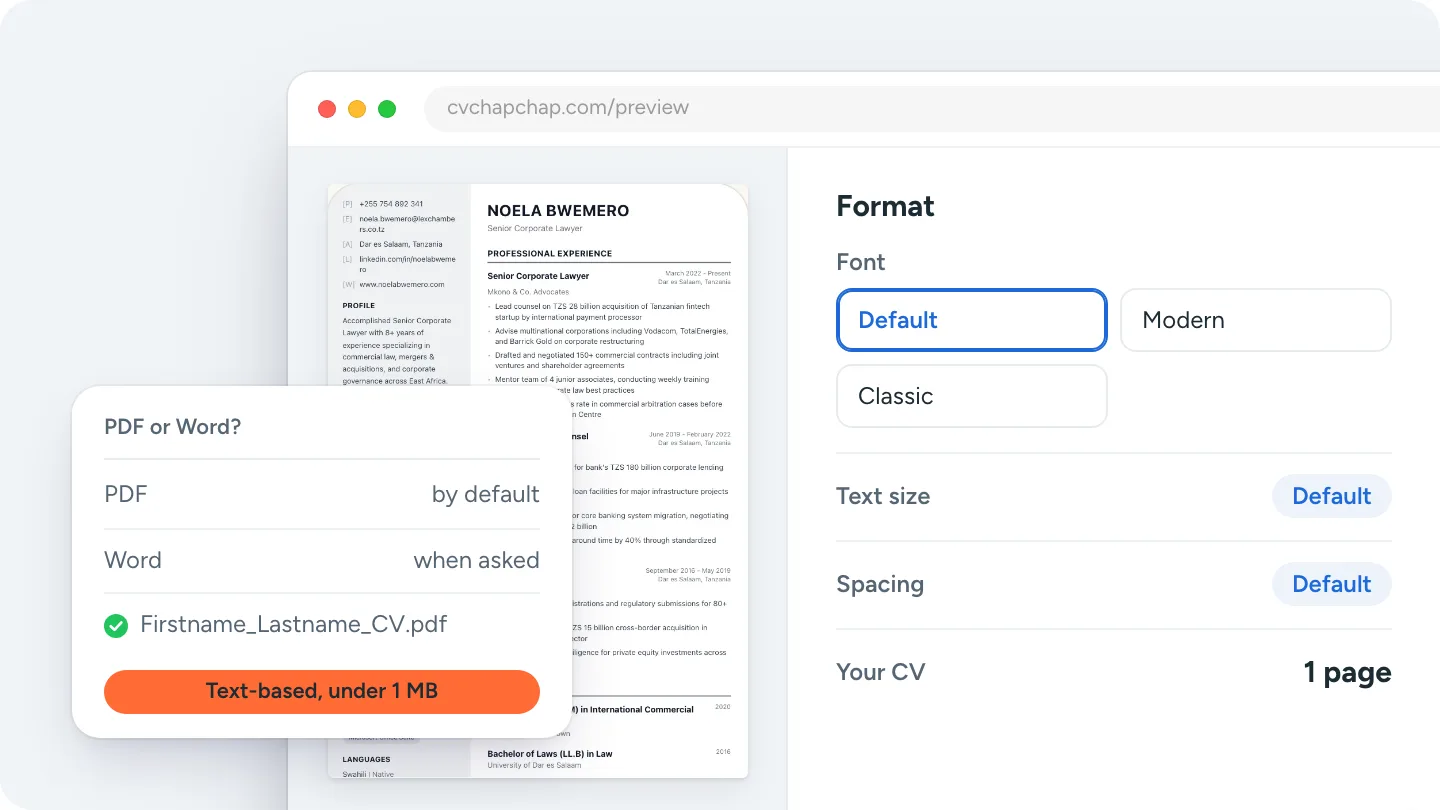
PDF. It opens on any phone without a special app and looks the same everywhere. Send Word only if the employer asks for it. Our guide covers CV PDF or Word in detail.
Can I send a photo of my CV on WhatsApp?
No. A photo is compressed, hard to read, impossible to search and cannot be printed cleanly. Send the PDF as a document. If you only have a paper CV, take photos of it into the AI CV Agent, which reads it into a proper CV you can download.
Is it professional to apply for a job on WhatsApp?
Yes, when the employer invited it. Many small and medium employers in Africa, Asia and the Middle East advertise a WhatsApp number because it is the fastest way to reach applicants. Treat the chat like an email: full sentences, no emojis, working hours.
What time should I send a CV on WhatsApp?
In working hours, ideally mid-morning on a weekday. A CV sent at 11 pm is read tomorrow at the bottom of the pile, and it suggests you do not keep hours.
How do I know the employer received my CV?
Two grey ticks mean delivered; two blue ticks mean read, unless they have turned read receipts off. Do not ask "did you get it?" the same day. Follow up once after three or four working days.
Have the PDF ready before the advert appears
Build your CV once, download the PDF to your phone, and you can apply to any WhatsApp advert in two minutes. Pick a clean design from the CV templates and preview the whole CV free before you download.
That is how to send a CV via WhatsApp: a PDF named with your name, sent as a document, a five-line message that says the job, one follow-up, and no fee paid to anyone.
Frequently Asked Questions
How do I send my CV on WhatsApp?
Save the CV as a PDF named with your name, open the employer chat, tap attach, choose Document, pick the PDF and send it, then send a short message with your name, the job, where you saw it and one line on why you fit.
What should I write when sending a CV on WhatsApp?
Four or five lines: a greeting, your name, the job and where it was advertised, one line of fit, that your CV is attached, and a polite close. Full sentences, no emojis, in working hours.
Should I send my CV as a document or a photo on WhatsApp?
As a document. A photo is compressed and cannot be opened, searched or printed as a CV. Use the Document option under the attach icon.
How do I follow up after sending my CV on WhatsApp?
Once, after three or four working days, with a short polite message asking whether they need anything else from you. Do not send reminders the same day.
How do I avoid job scams on WhatsApp?
Never pay a fee for registration, training, a uniform or a visa, never share your ID, bank details or PIN before a written offer, and check the company on its official site or landline before replying to an unknown number.
Ready to Create Your Professional CV?
Put these tips into practice. Build a stunning, ATS-friendly CV in under 3 minutes with CV Chap Chap.
Create Your CV Now